
To view the status of your subscription, simply navigate to the Billing section within your account profile. Here, you'll find comprehensive information regarding your subscription, including its current status, renewal date, and any relevant billing details.
Click on the Profile icon, then select "Billing"
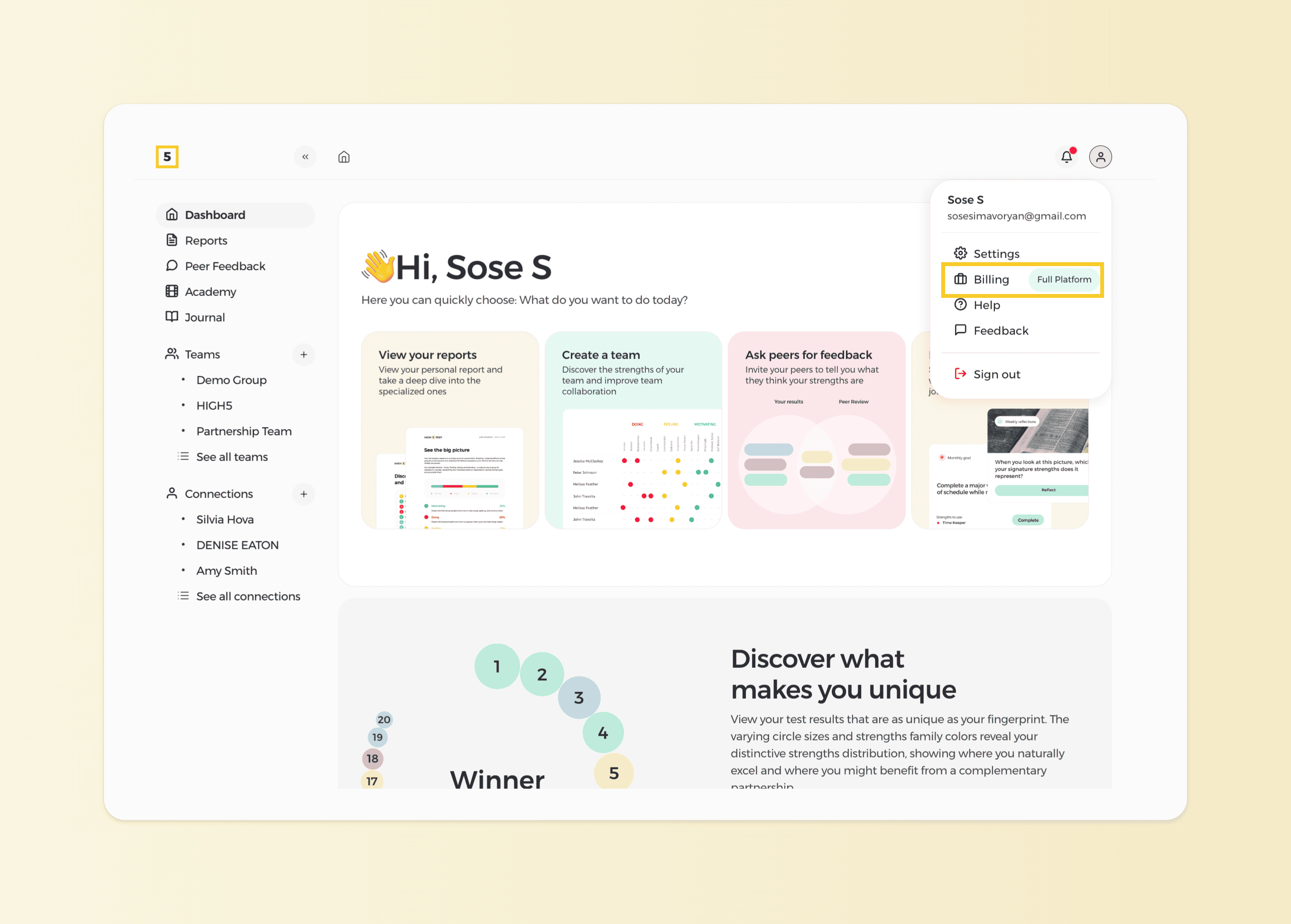
The status of your subscription will be visible right away, but if you wish to learn more details about your subscriptio,n you can head to the "Billing" section of your profile
Navigate to the Platform Plan section of your Billing account
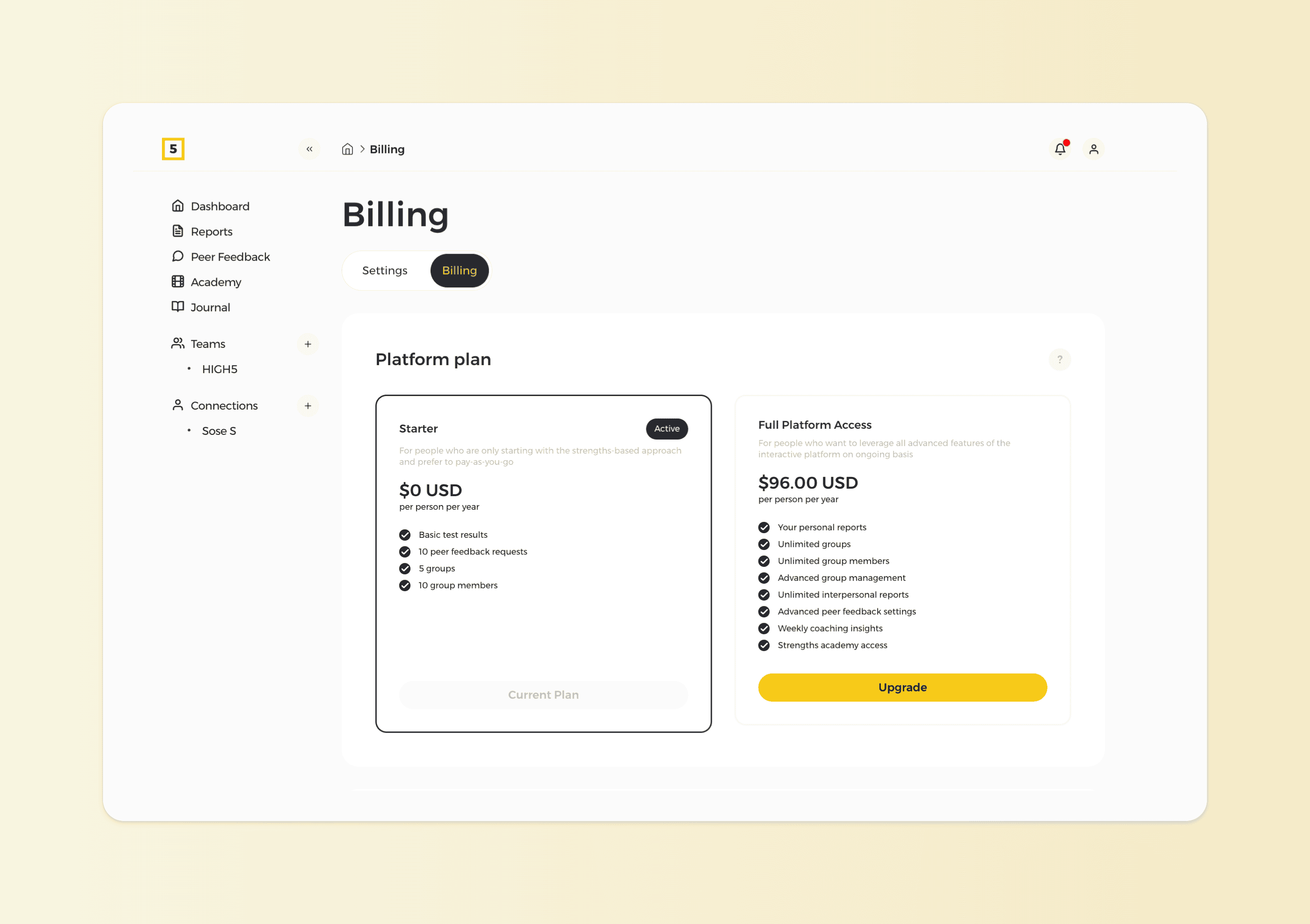
In this section, you can view the status of your subscription. If it displays "Upgrade" it means you're currently using the free version and can upgrade by clicking the button. If you already have Full Platform Access, you’ll see your active subscriptions and their details.