
Sharing your strengths with others is an exciting way to celebrate your personal growth journey! With the HIGH5 platform, you have multiple options for sharing your results with friends, family, colleagues, or mentors. To do so, follow these simple steps:
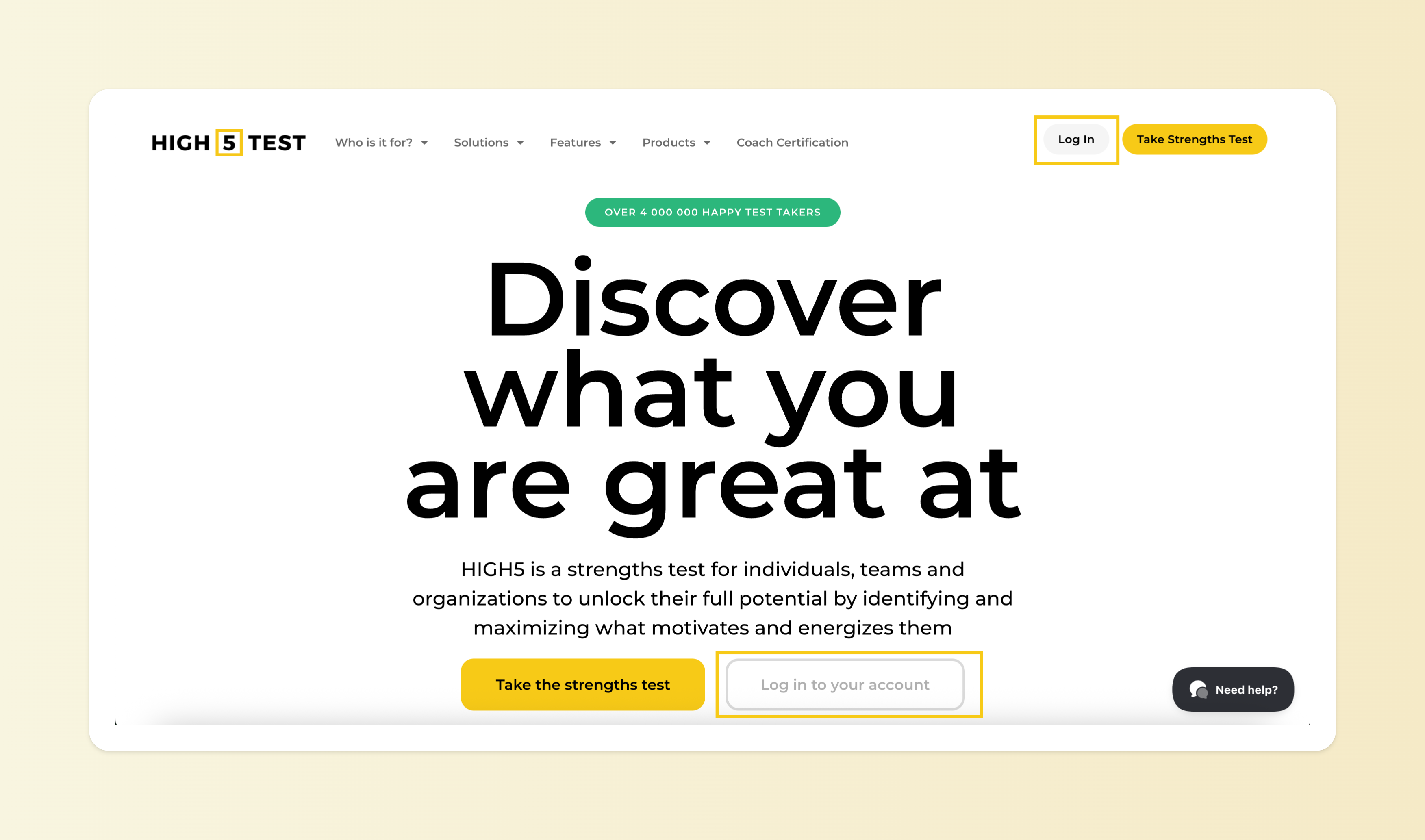
Step 1: Open Your Personal Dashboard
Log in to your HIGH5 account and navigate to your personal dashboard.
Step 2: Click the "Share" button
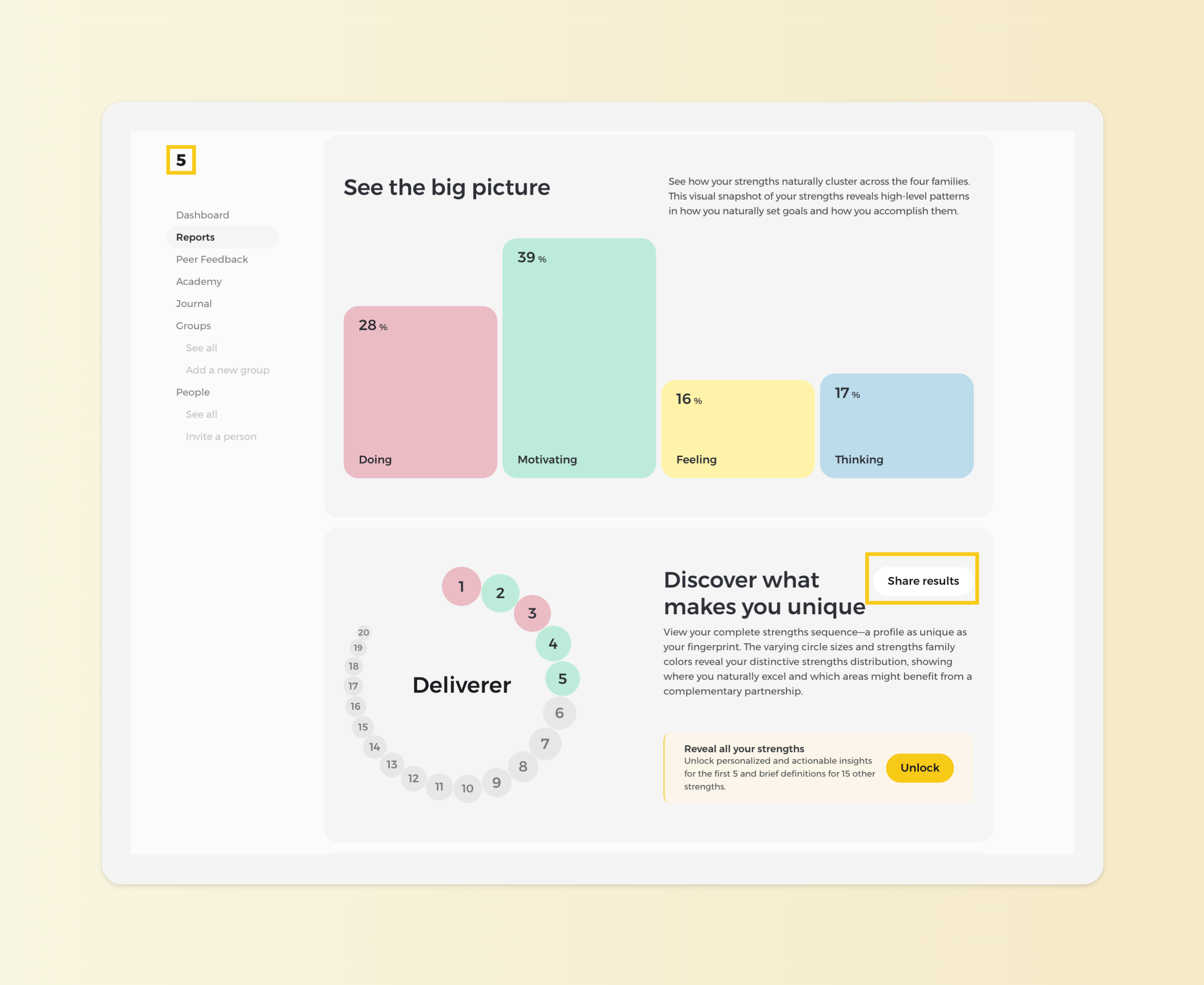
In the "Reports" section of your personal dashboard, you'll see a "Share results" button next to your top 5 strengths. Click this button to start sharing your strengths.
Step 3: Select your preferred sharing method
Once you click on the "Share" button, you'll be presented with various sharing options, including email, social media, or downloading your strengths certificate. Select the method that best suits your preference and share your strengths with friends & colleagues!
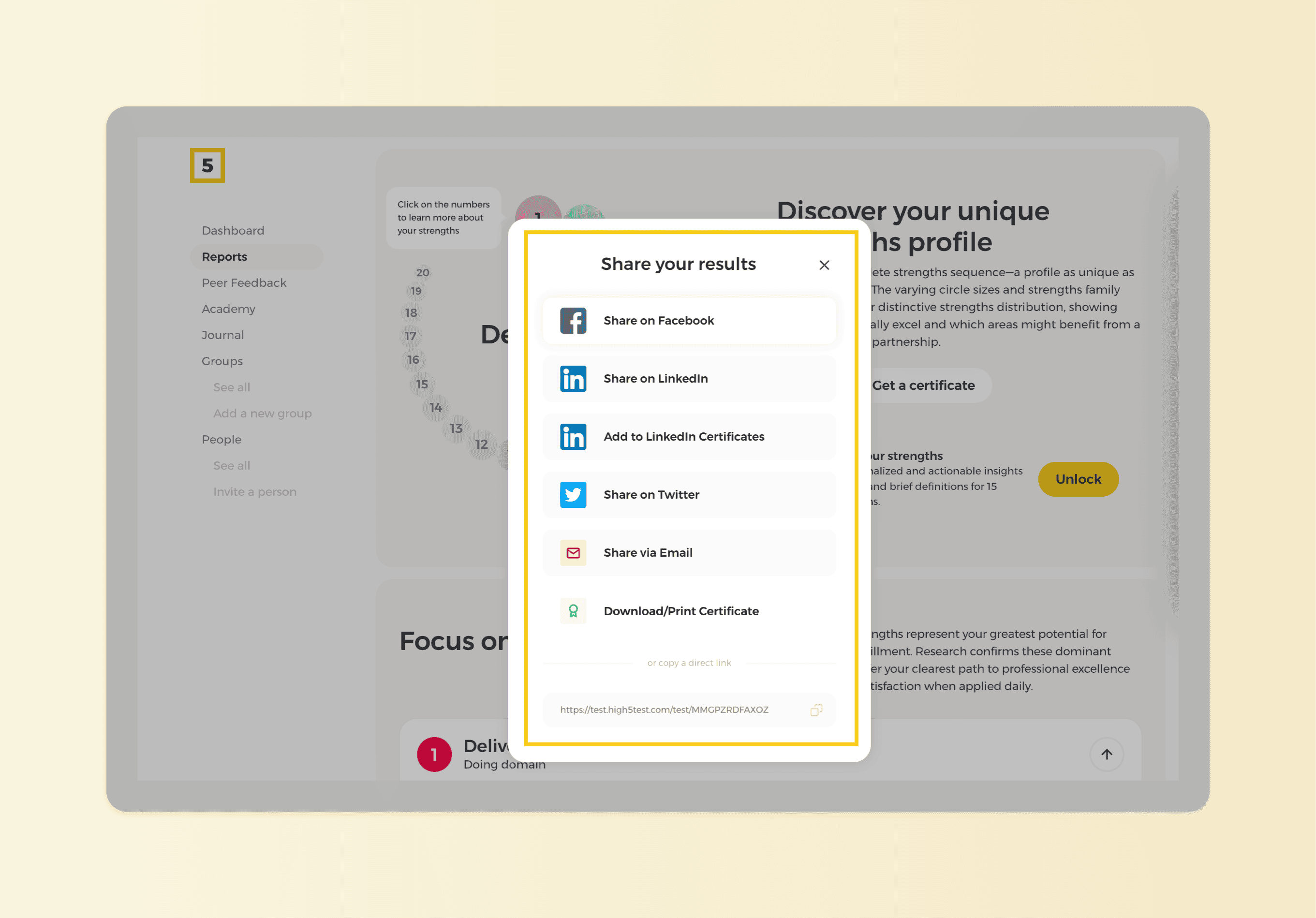
Please note that selecting the option to share your unique link allows you to share your results directly with friends within the HIGH5 platform.