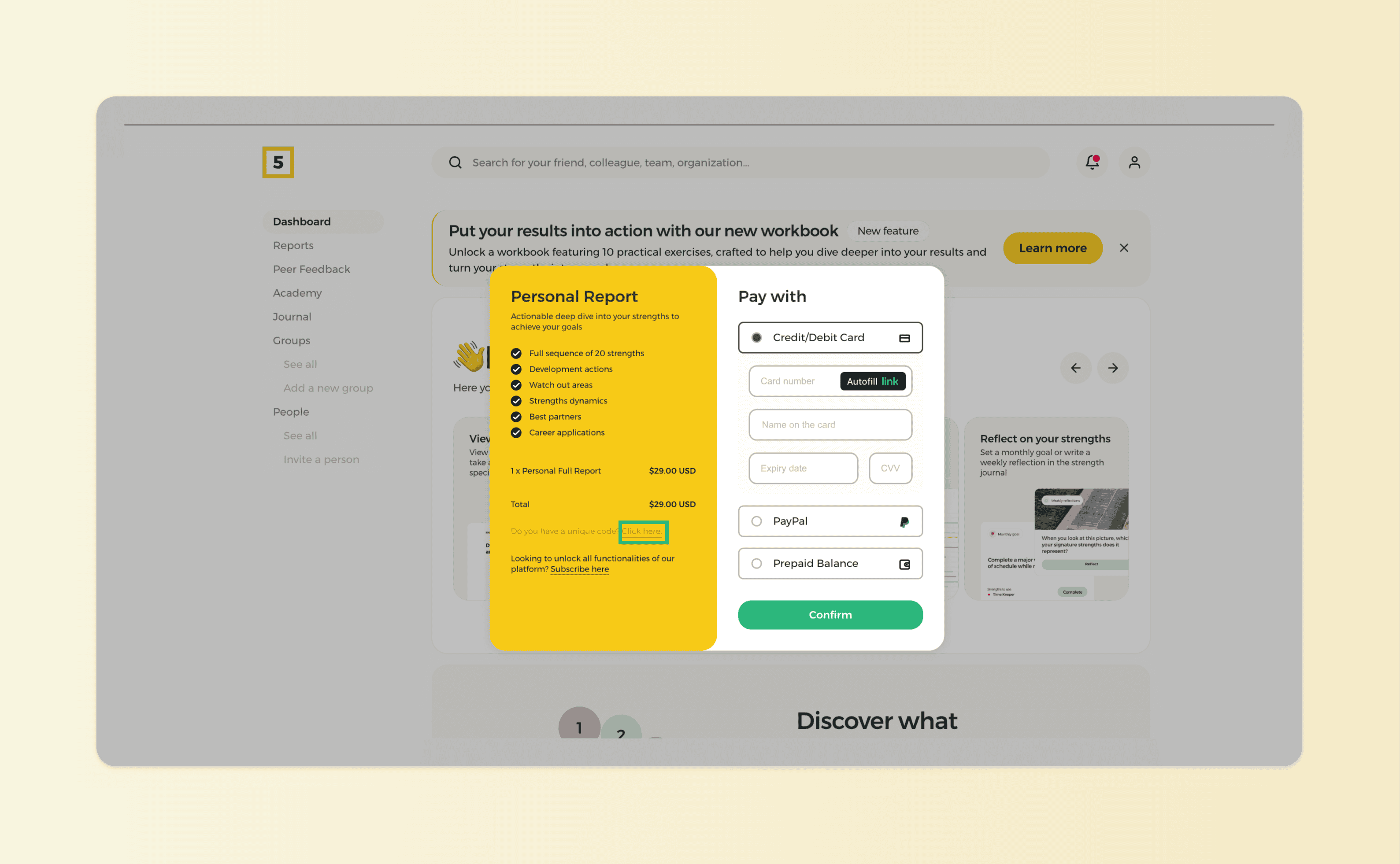
The unique code that you receive after pre-purchasing your report needs to be applied at checkout on the HIGH5 platform. Here are some quick steps on how to do it:
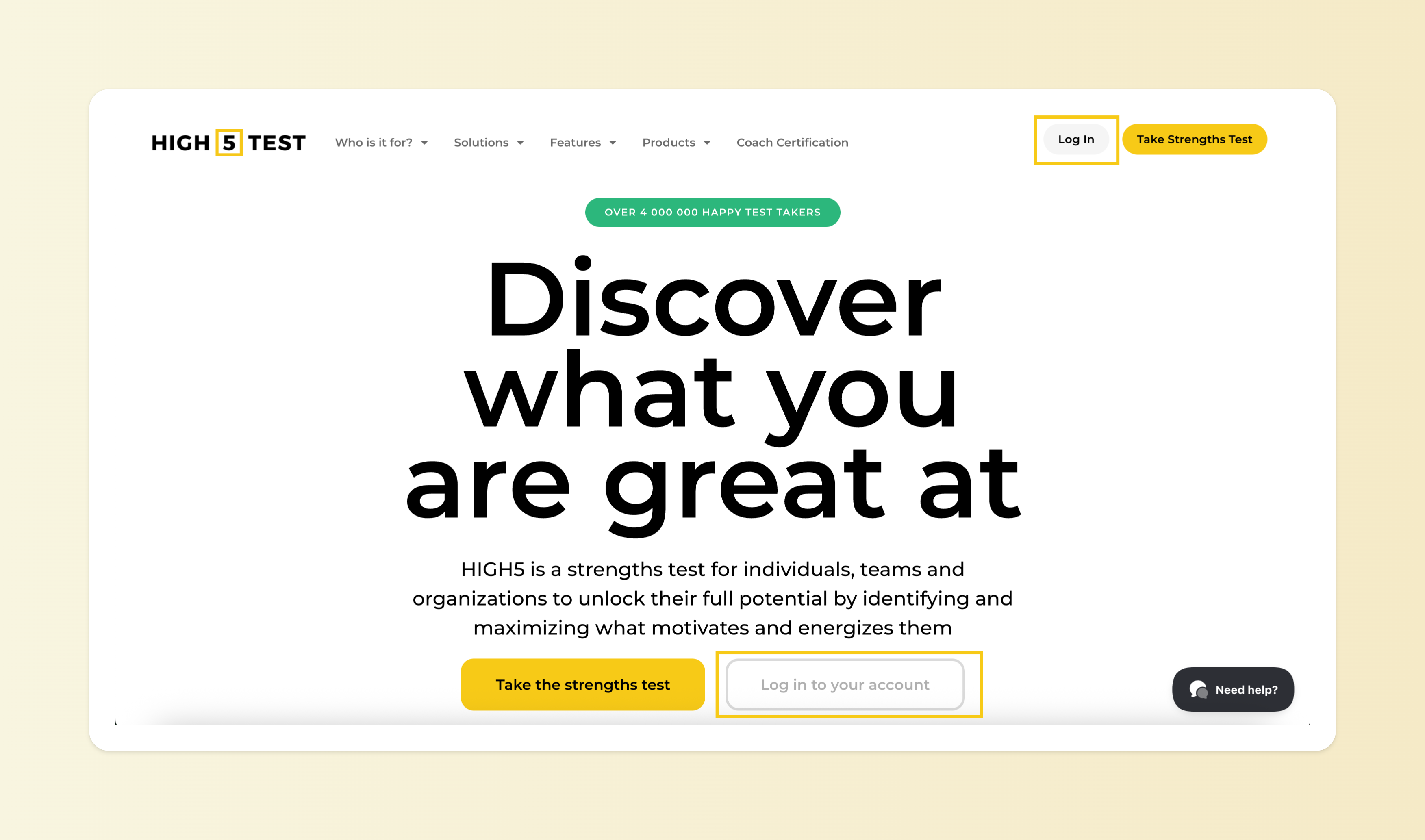
Step 1: Log in to your account
You can access your test results at any time after completing the assessment. You can log into your account here by using the same credentials you used when taking the test.
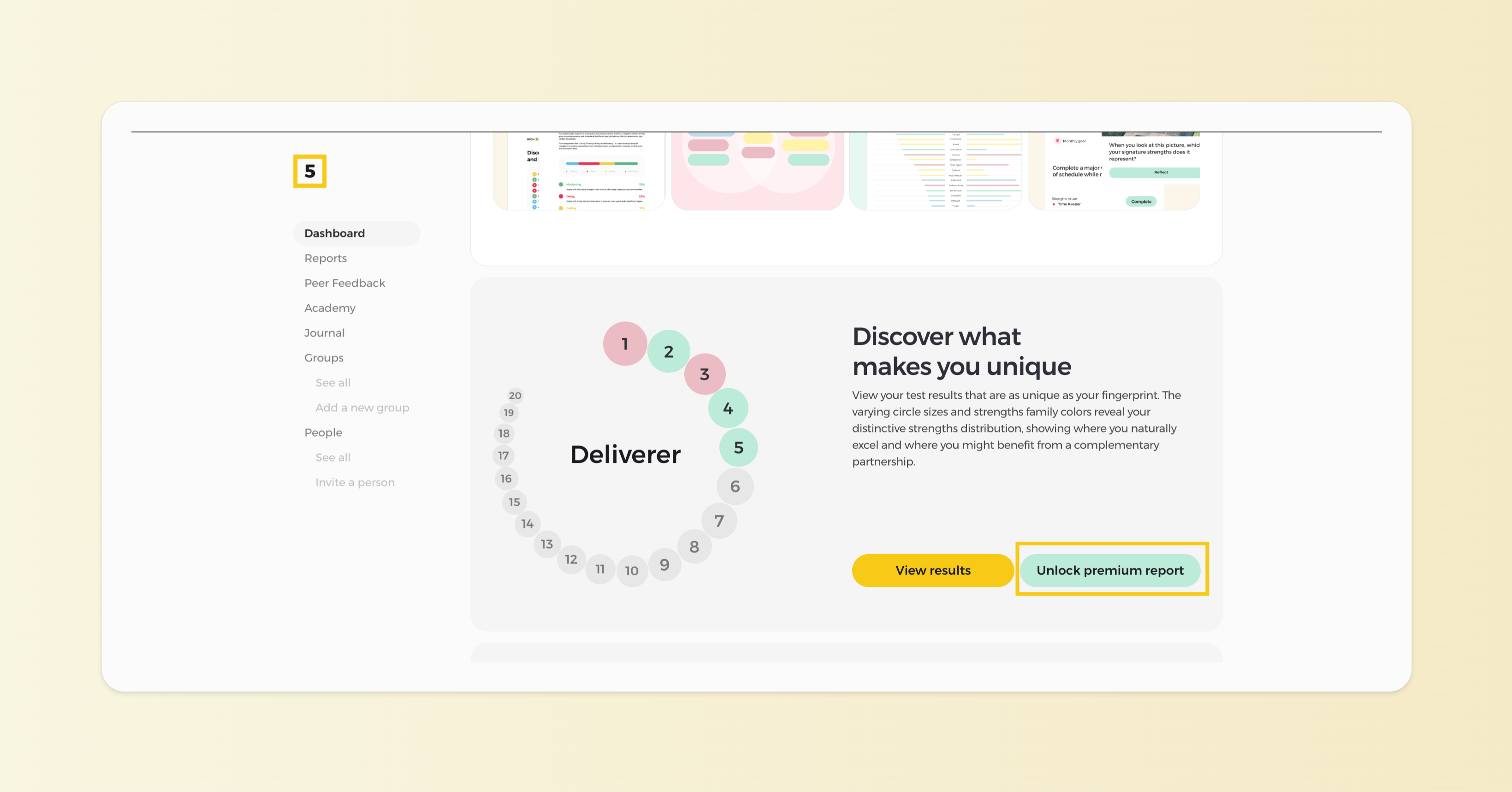
Step 2: Unlock your premium report from your Dashboard
Once logged in, you'll see your Dashboard, where you can find the results of your free assessment. Click on the "Unlock premium report" button to proceed with the payment.
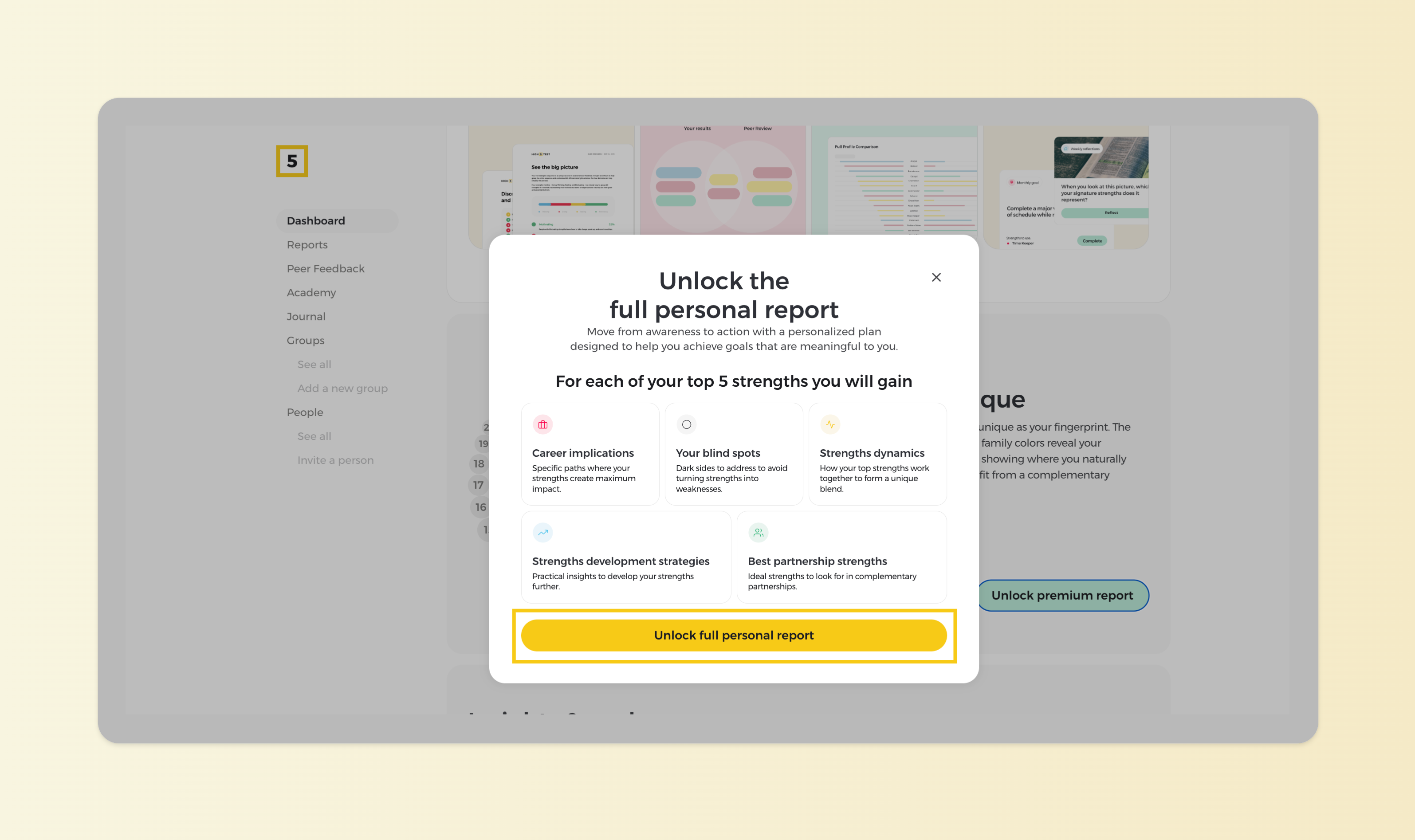
Step 3: Learn what is being unlocked
Familiarize yourself with the insights that the premium report unlocks, and proceed with the "Unlock full personal report" button.
Step 4: Apply the code at checkout
Apply your code at checkout to reduce the total price to zero, then proceed to confirm your "payment". Upon completion, your Full Profile will be immediately unlocked, allowing you to dive into detailed insights about your strengths.