
To access the Working Together report on the HIGH5 platform, you first need to connect with another user. Once you've established a connection, you'll be able to view the Working Together charts, which showcase the dynamics between you and your connection based on your strengths. However, please note that access to the Working Together charts requires a Full Platform Access subscription.
Here's a step-by-step guide to accessing the Working Together chart with Full Platform Access:
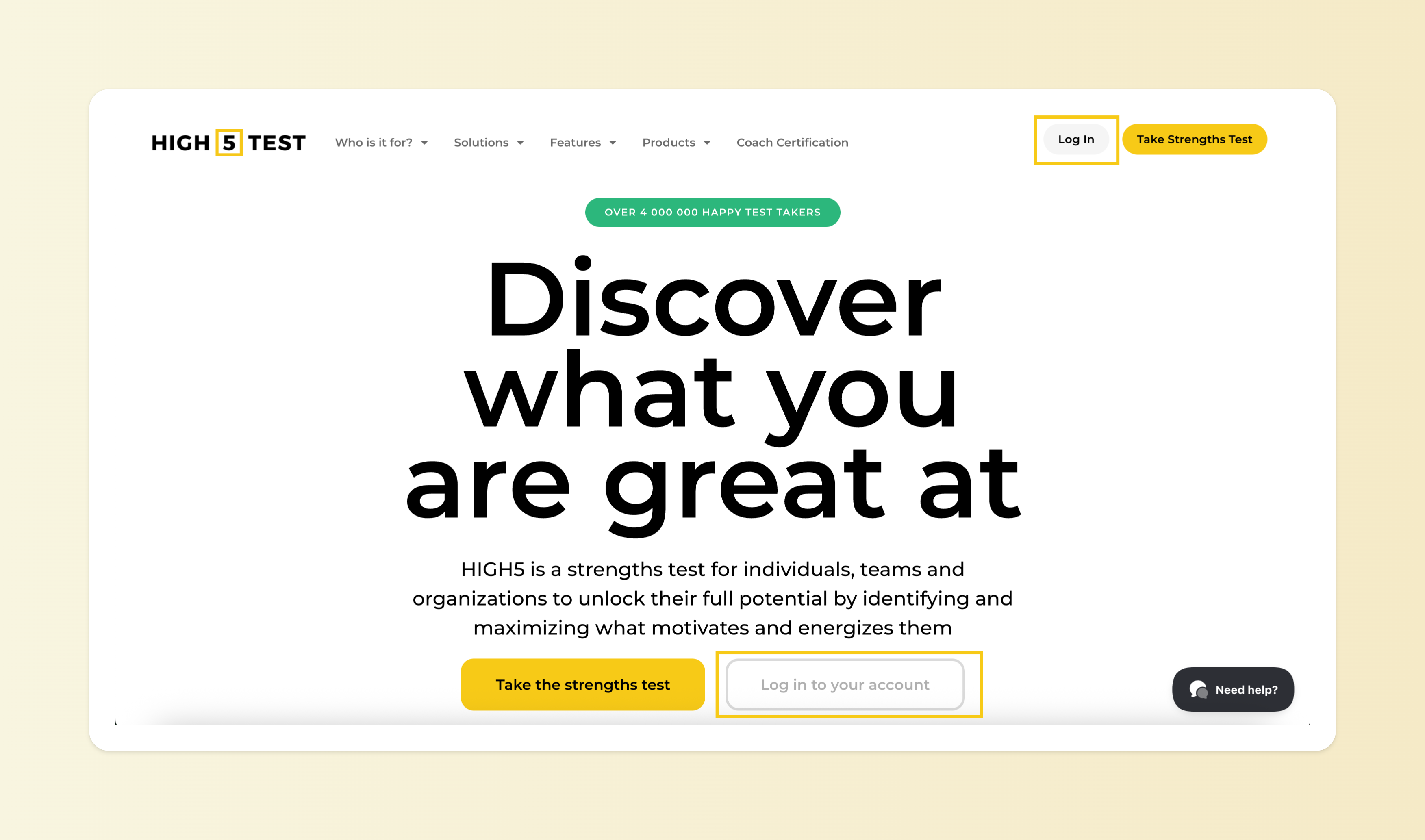
1. Log in to your HIGH5 account
You can log into your account here - by using the same credentials you used when taking the test.
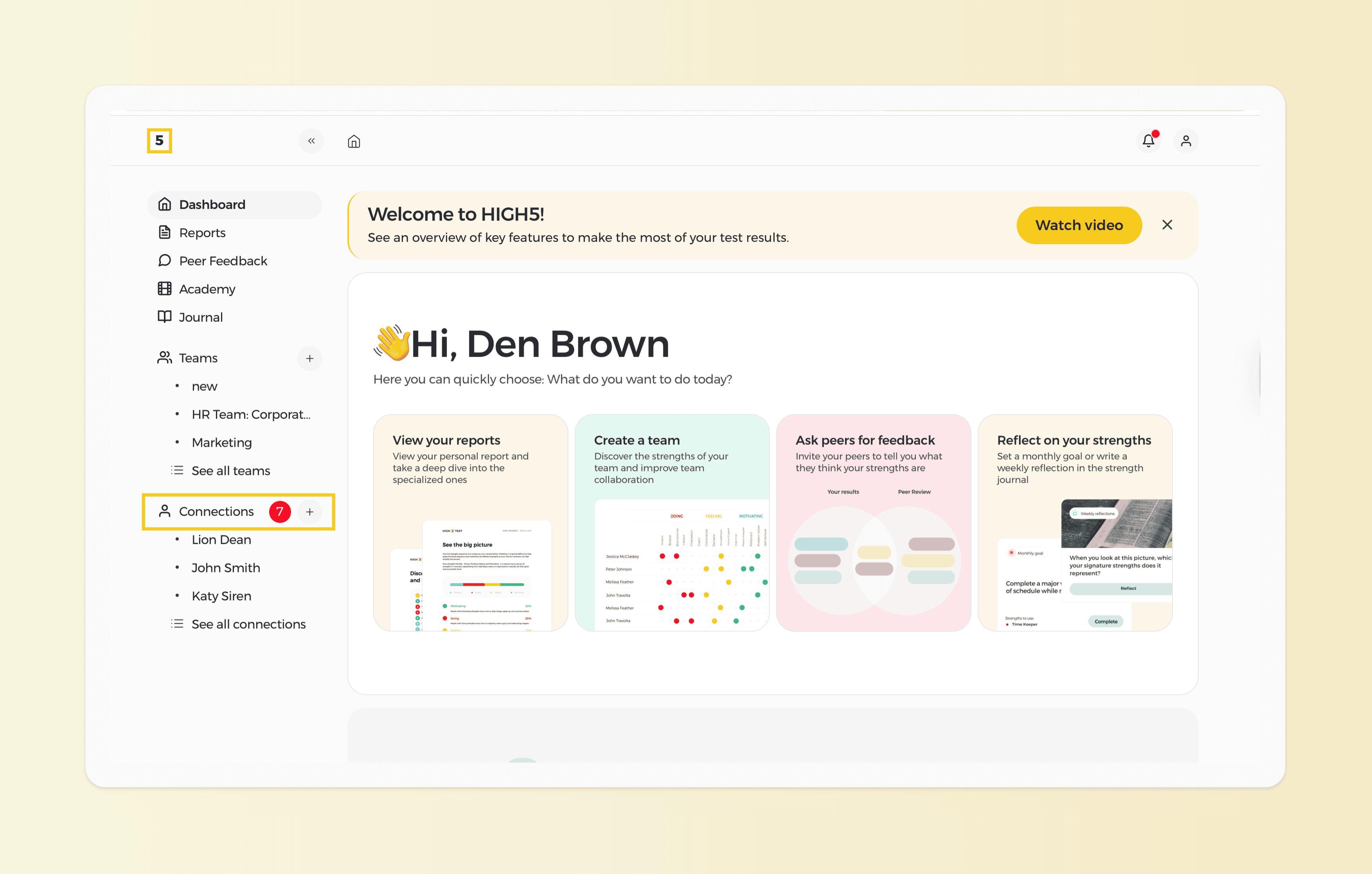
2. Navigate to the "Connections" tab from your dashboard
Navigate to the "Connections" tab from your dashboard to see the users you are connected with.
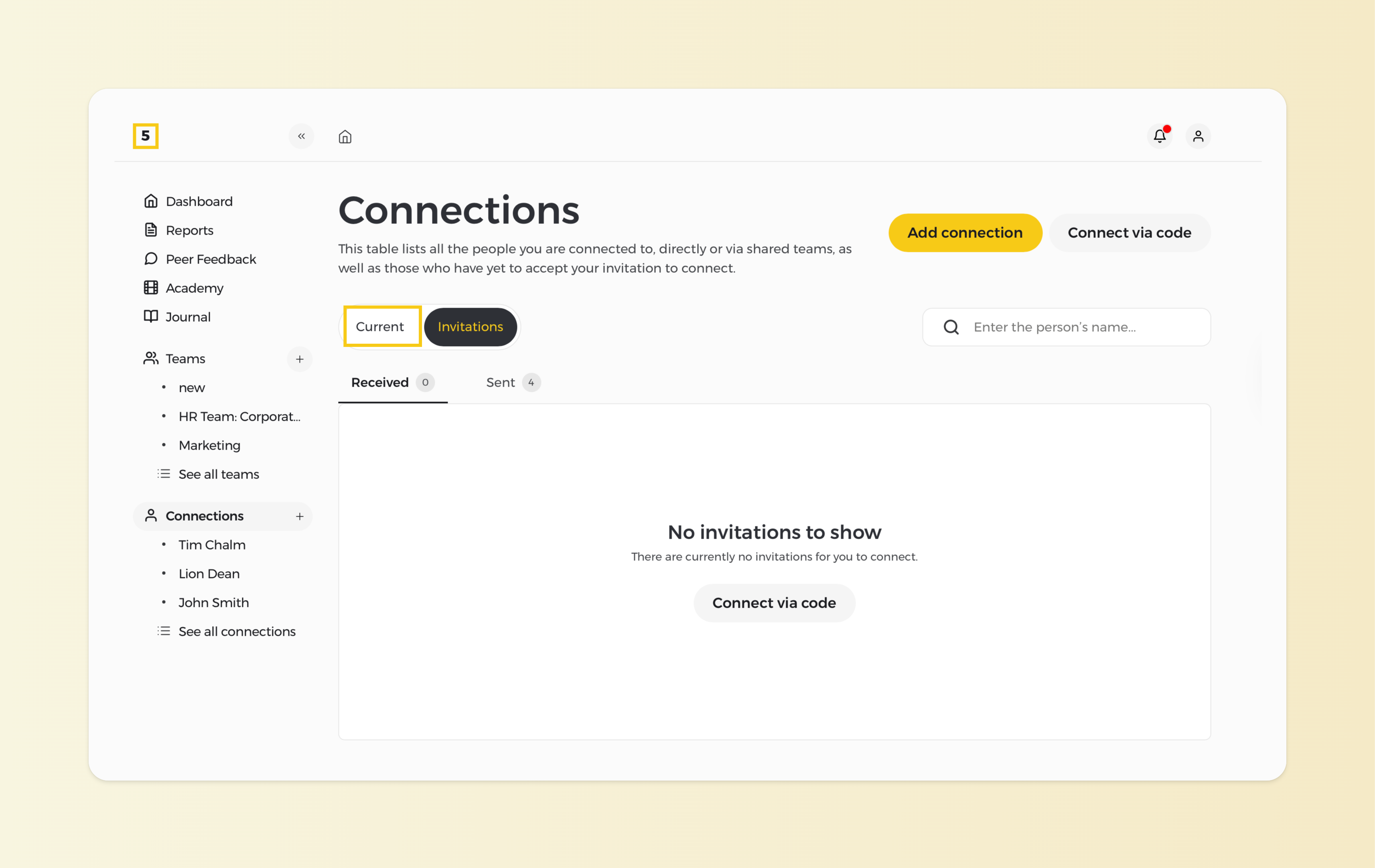
3. Make sure you are on the "Current" Connections page.
Note: You cannot view a working together report with a person who has not yet accepted an invitation to connect with you on the HIGH5 Platform.
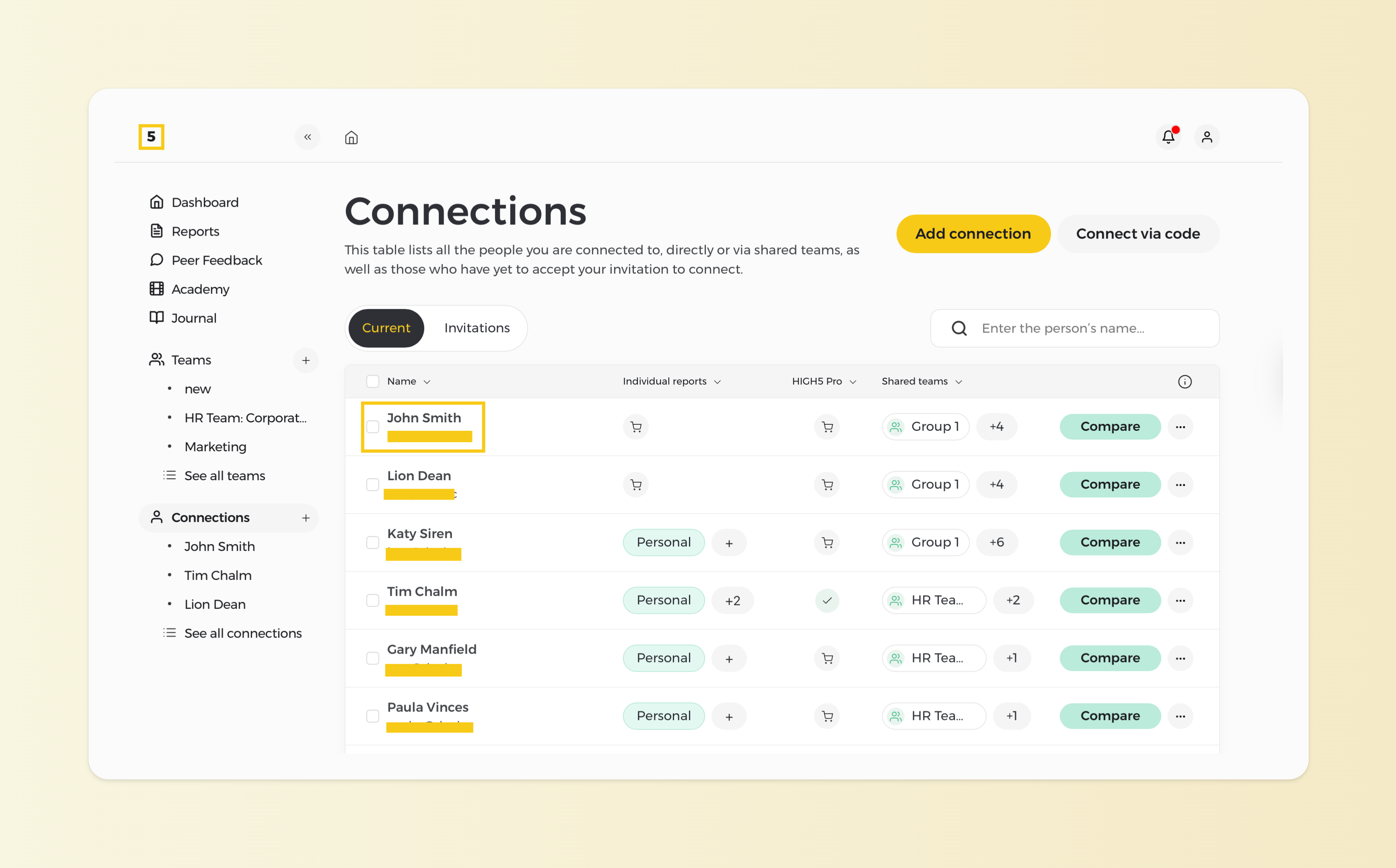
4. Select the user you want to view the Working Together Report for
From your list of "Current" connection list, identify the person you want to view the report for and click on their name.
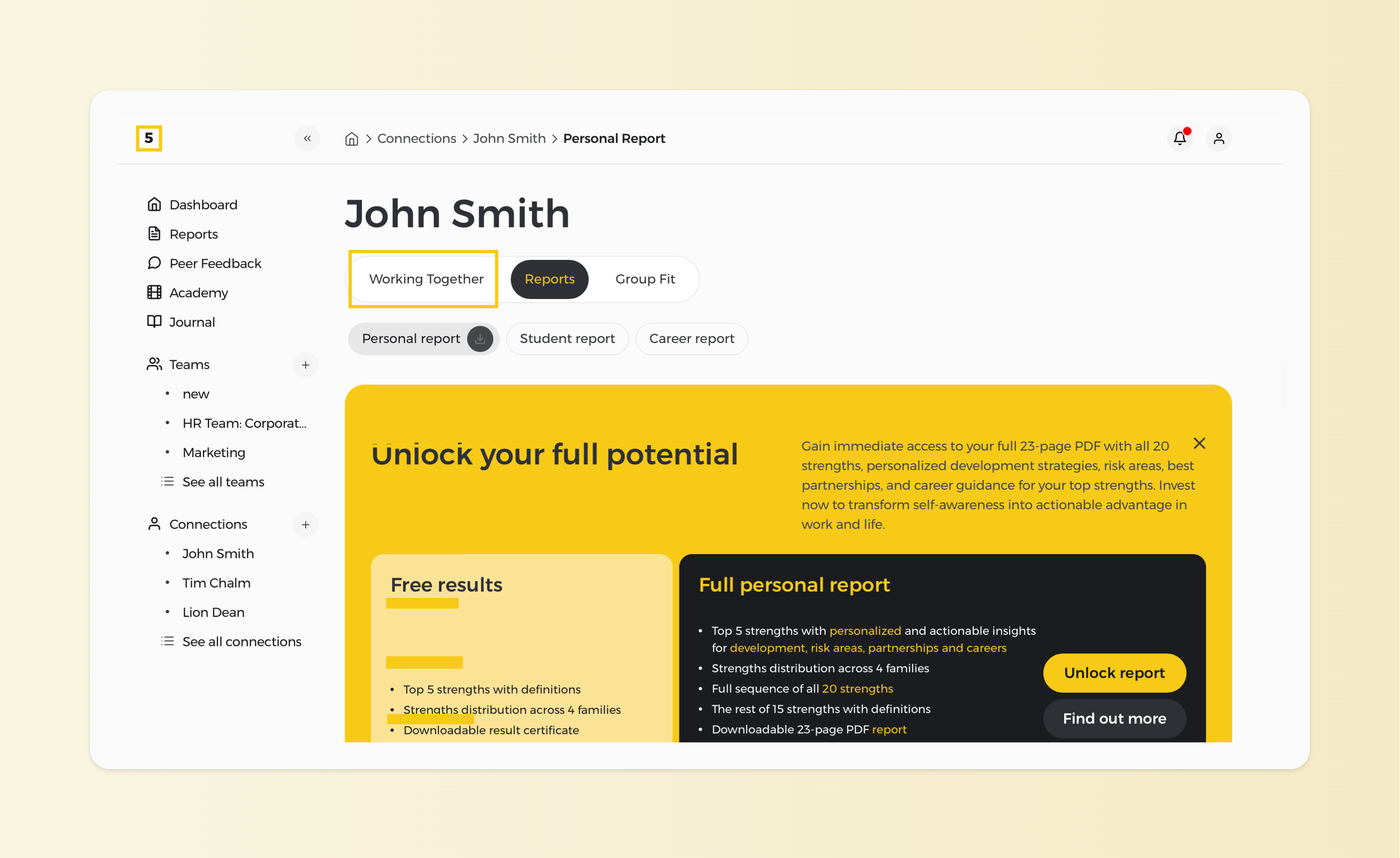
5. Select the Working Together report from their profile
Once you click on the "Working Together" icon, you'll see a graphical representation of your collaborative strengths with that user, highlighting areas of synergy and comparative charts just as presented below.
Please note that the "Working Together" report is available for free as part of the Full Platform Access or costs 19 USD per report.