On the HIGH5 platform, we prioritize user accessibility, offering a seamless process for downloading your results. To download your results from our platform, follow these simple steps:
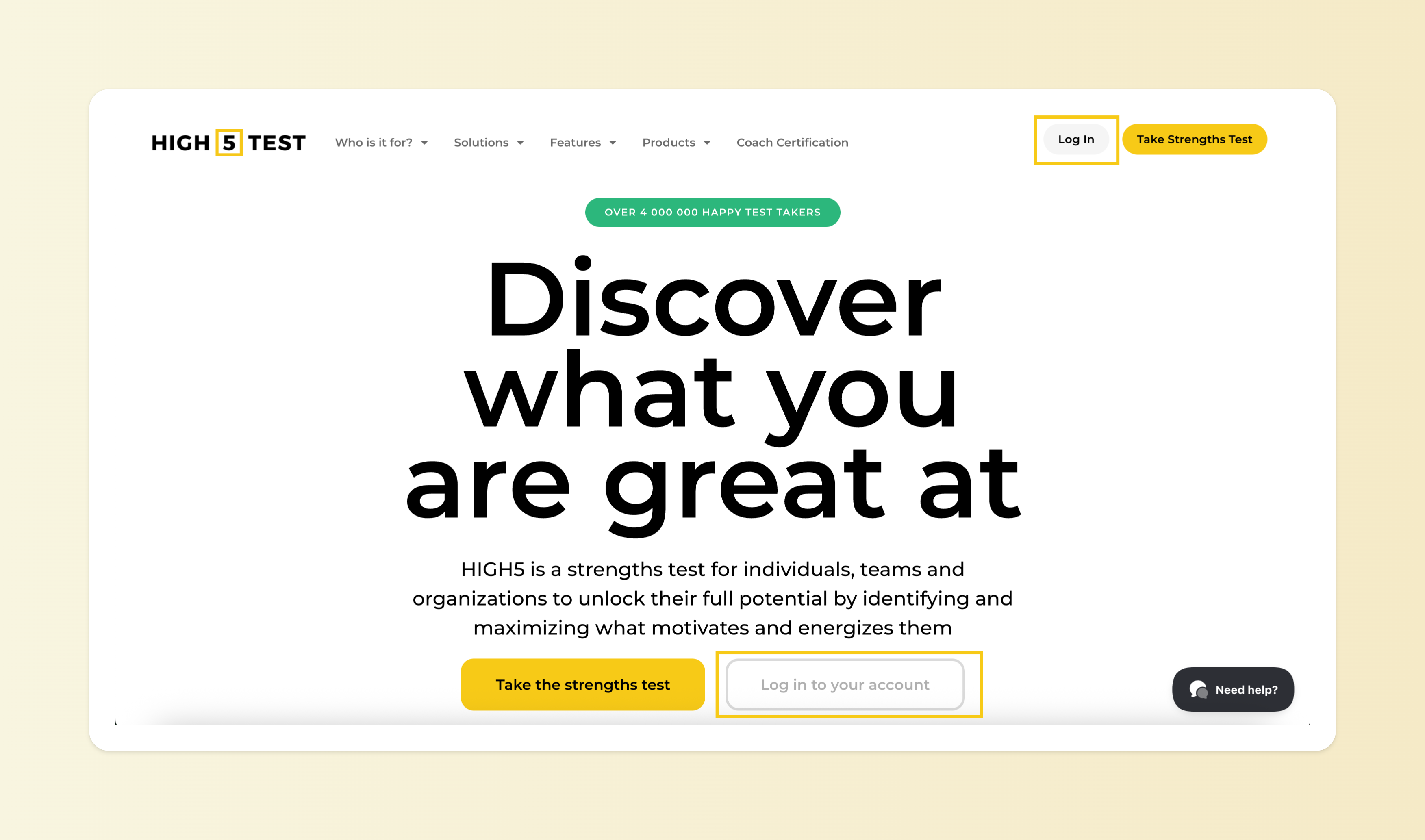
1. Log in to your HIGH5 account using your credentials
You can log into your account here - by using the same credentials you used when taking the test.
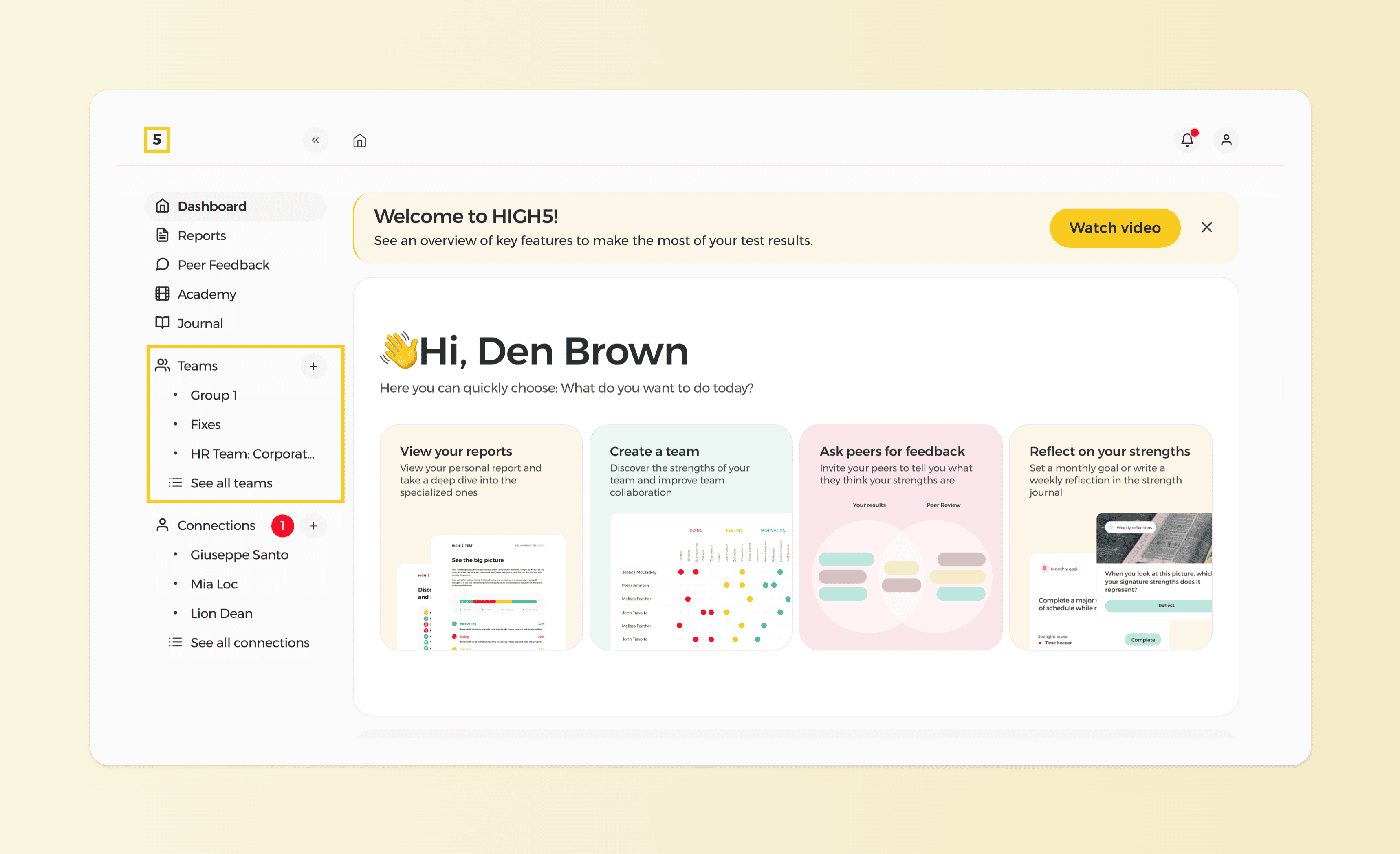
2. Navigate to the "Teams" tab from your dashboard
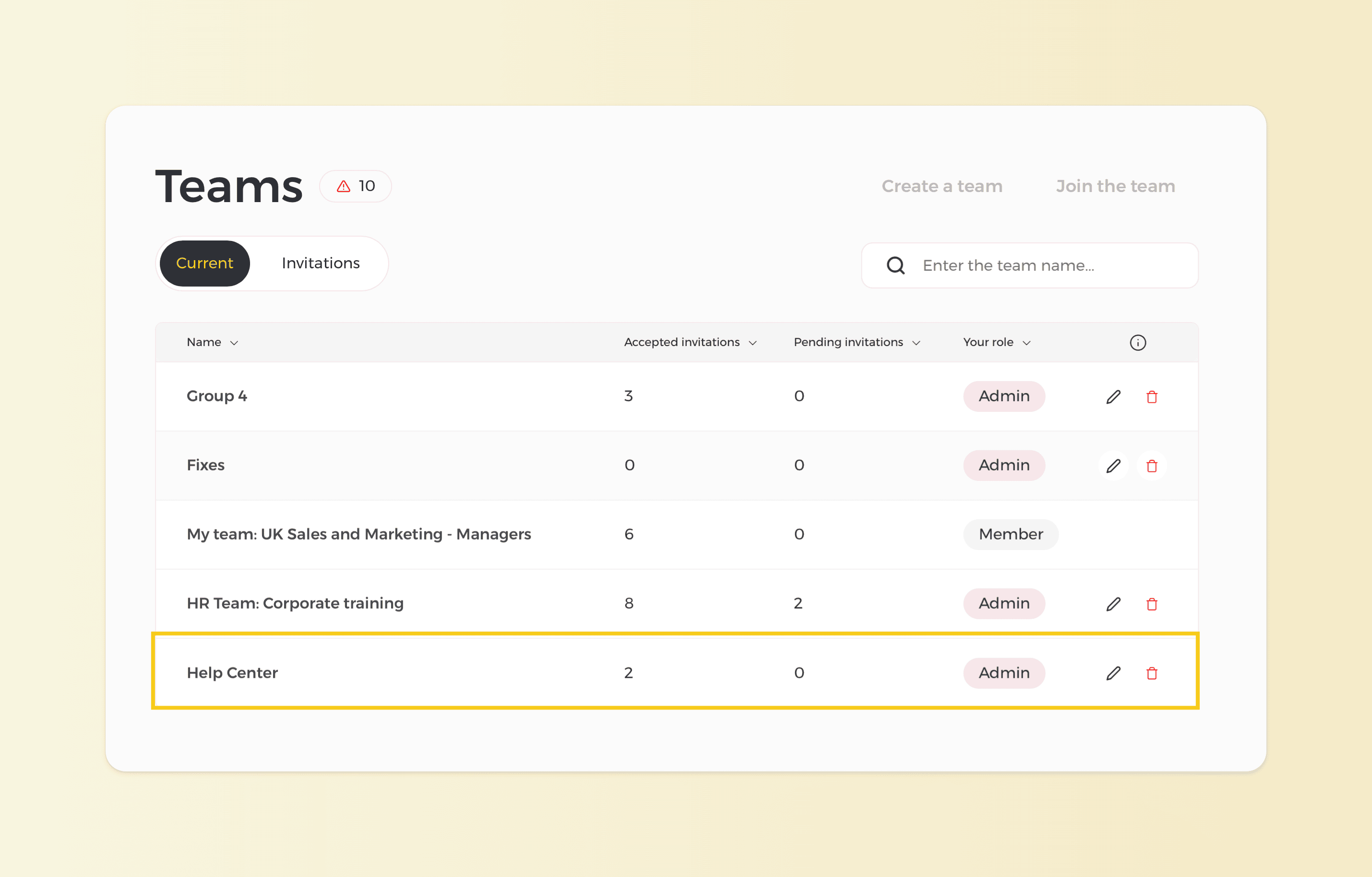
3. Click on the team you want to download the report
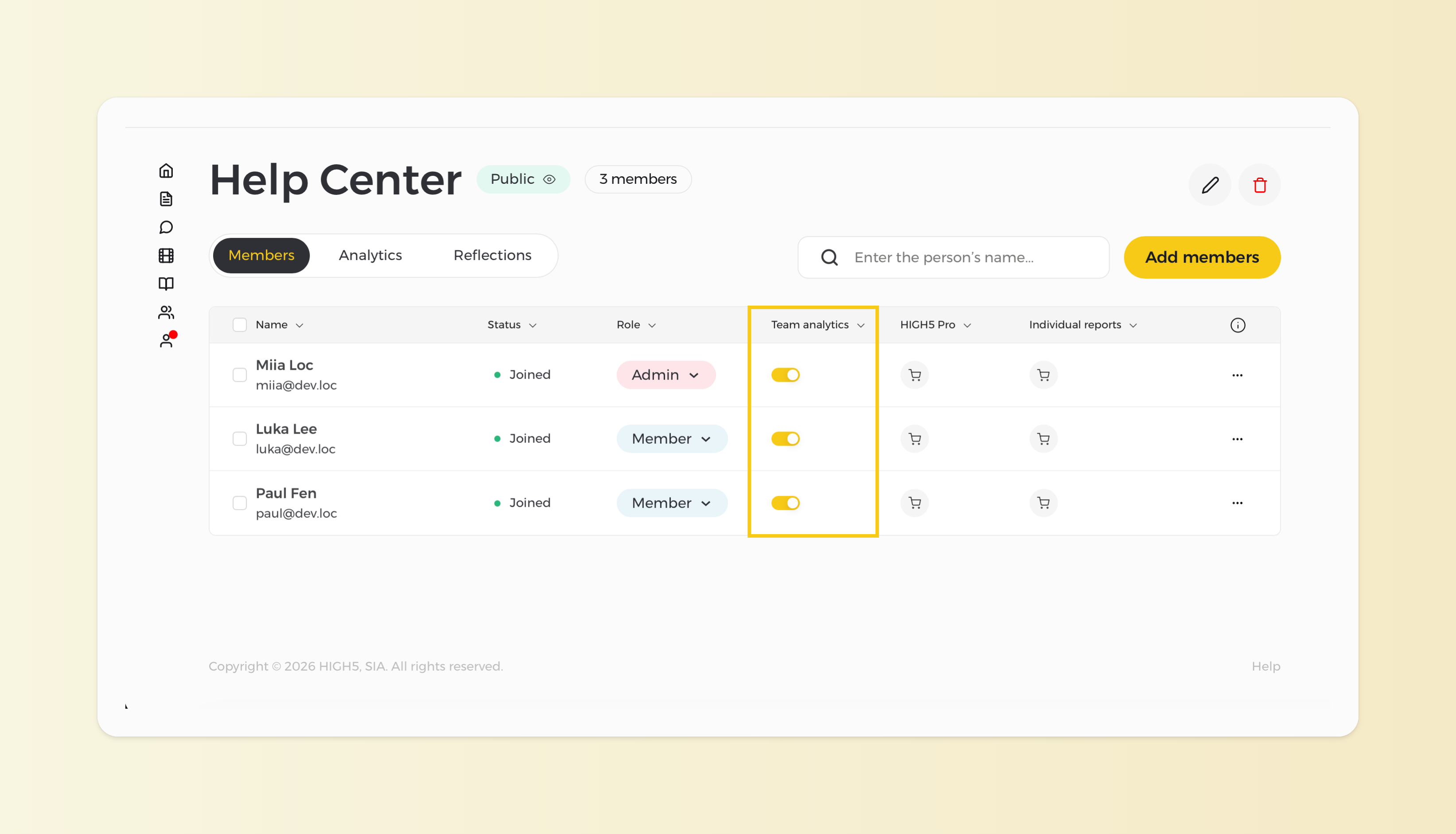
4. Go to the "Members" section of the Team Report and confirm that the report is activated for all team members
Note: Team Reports are activated on a per-person, per-report basis. Before downloading the report, make sure all intended members are included and paid for.
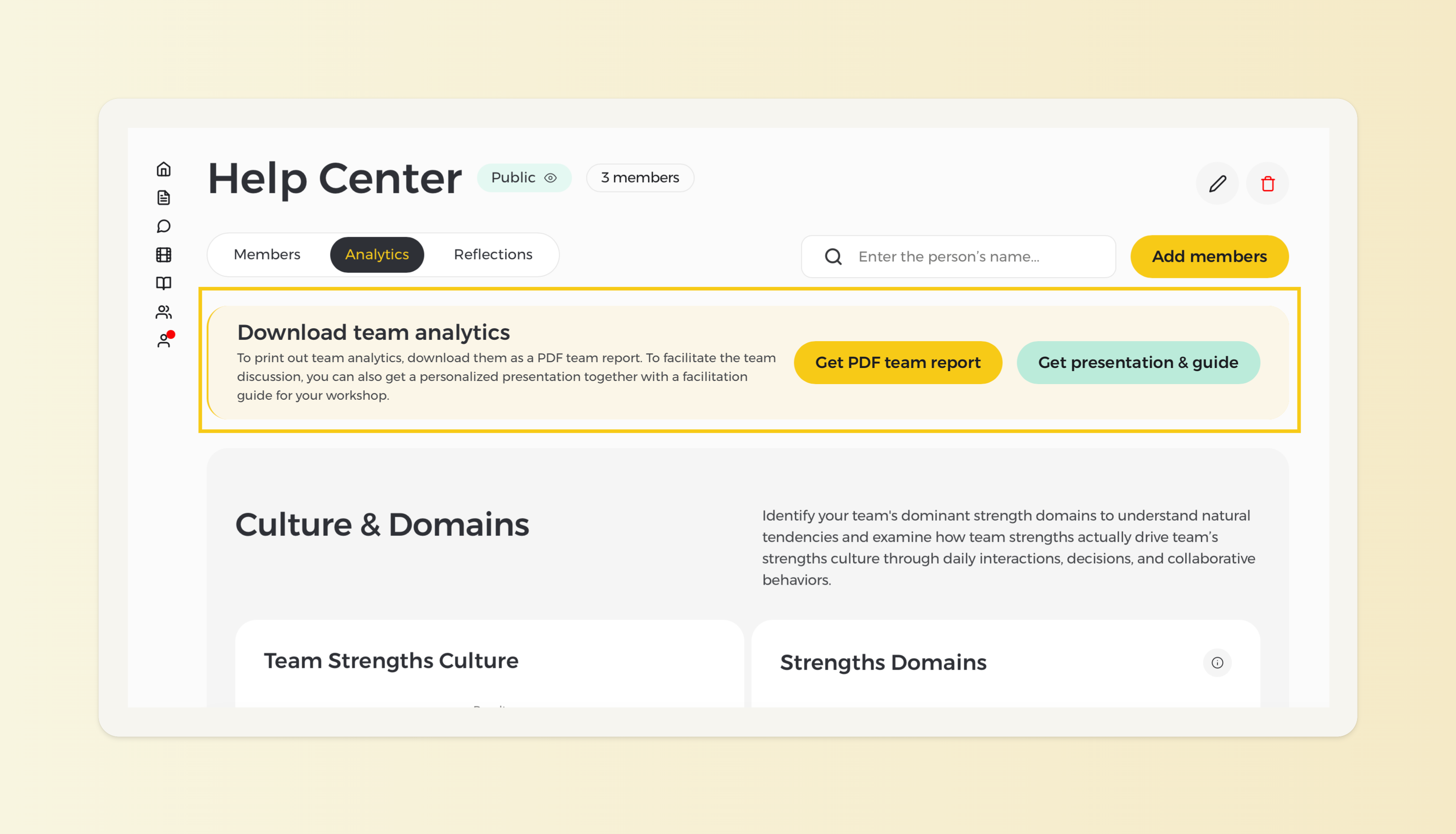
5. Head back to the "Analytics" page and download the PDF of the team report together with a presentation and a facilitation guide