
Our platform is designed to make inviting and connecting friends easy and intuitive. In this article, we'll guide you through the simple steps to invite people to our platform!
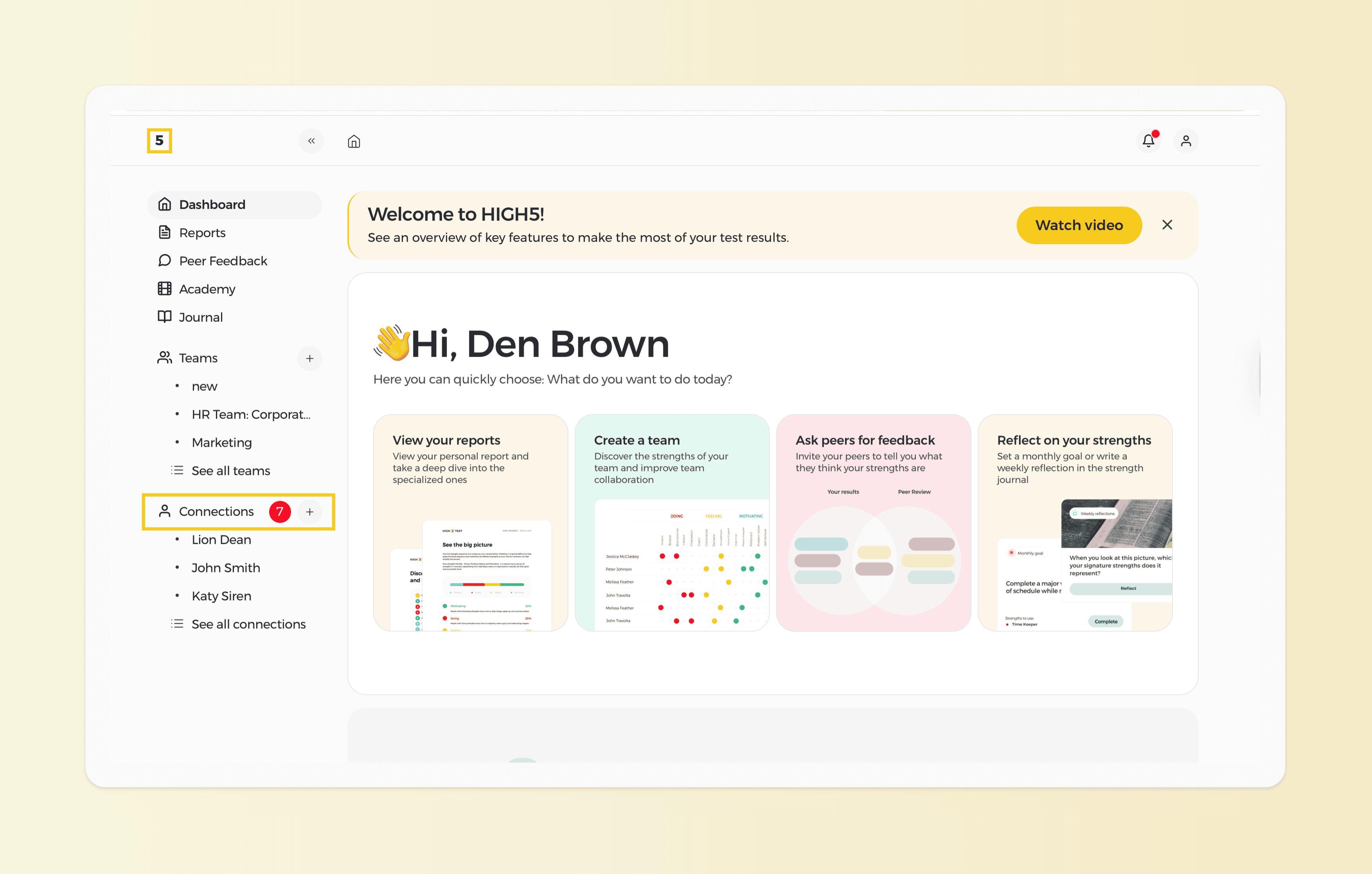
1. Head to the "Connections" section of your dashboard
Navigate to the "Connections" section on your dashboard and scroll to the bottom of the page.
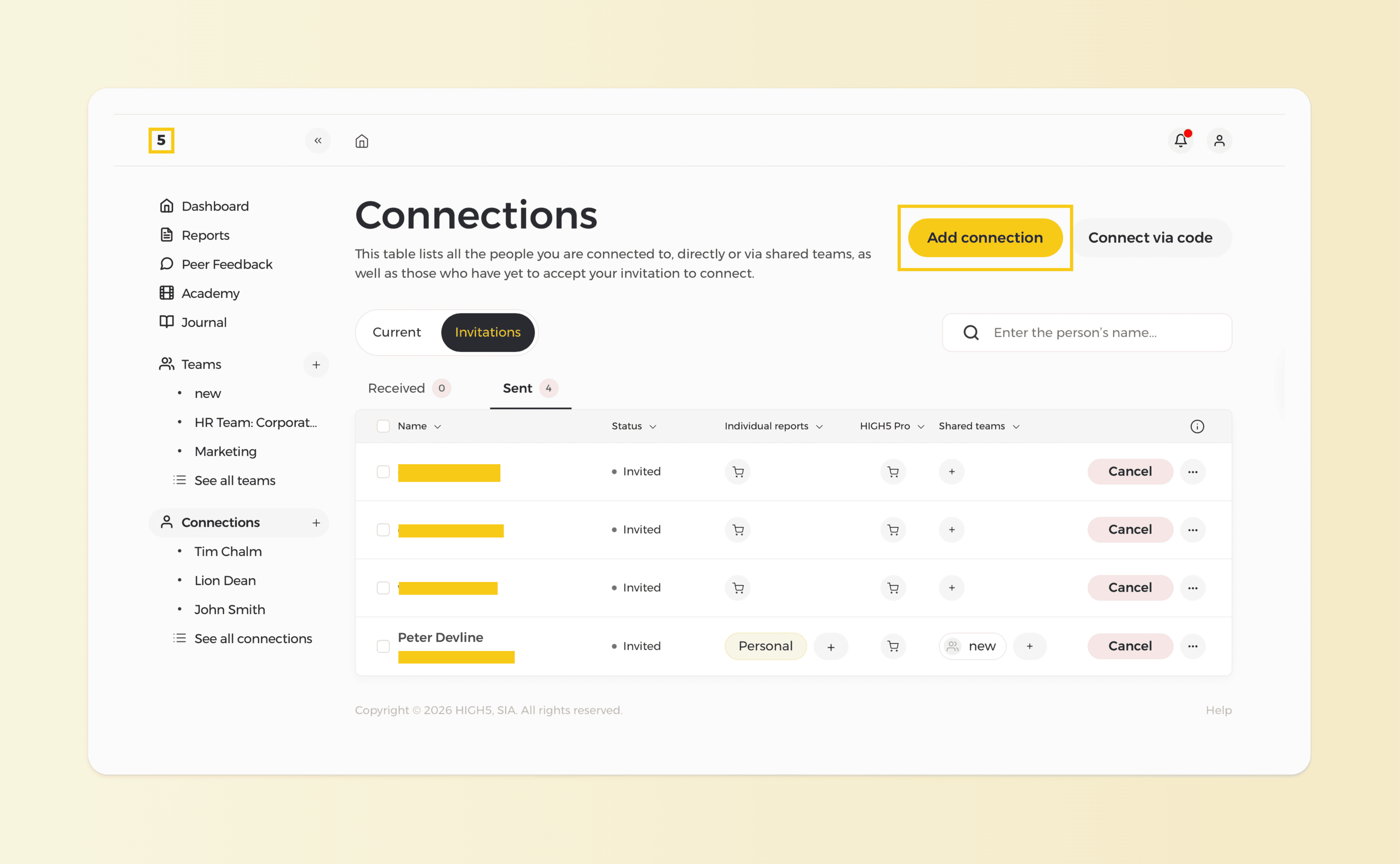
2. Click on the "Add Connction" button to invite others to take the test & connect with you
At HIGH5, we are firm in our value that data belongs to the user; therefore, to access the results of a friend, they would need to accept your invitation first. You can invite people by clicking on the "Add connection" icon at the top right corner of the page.
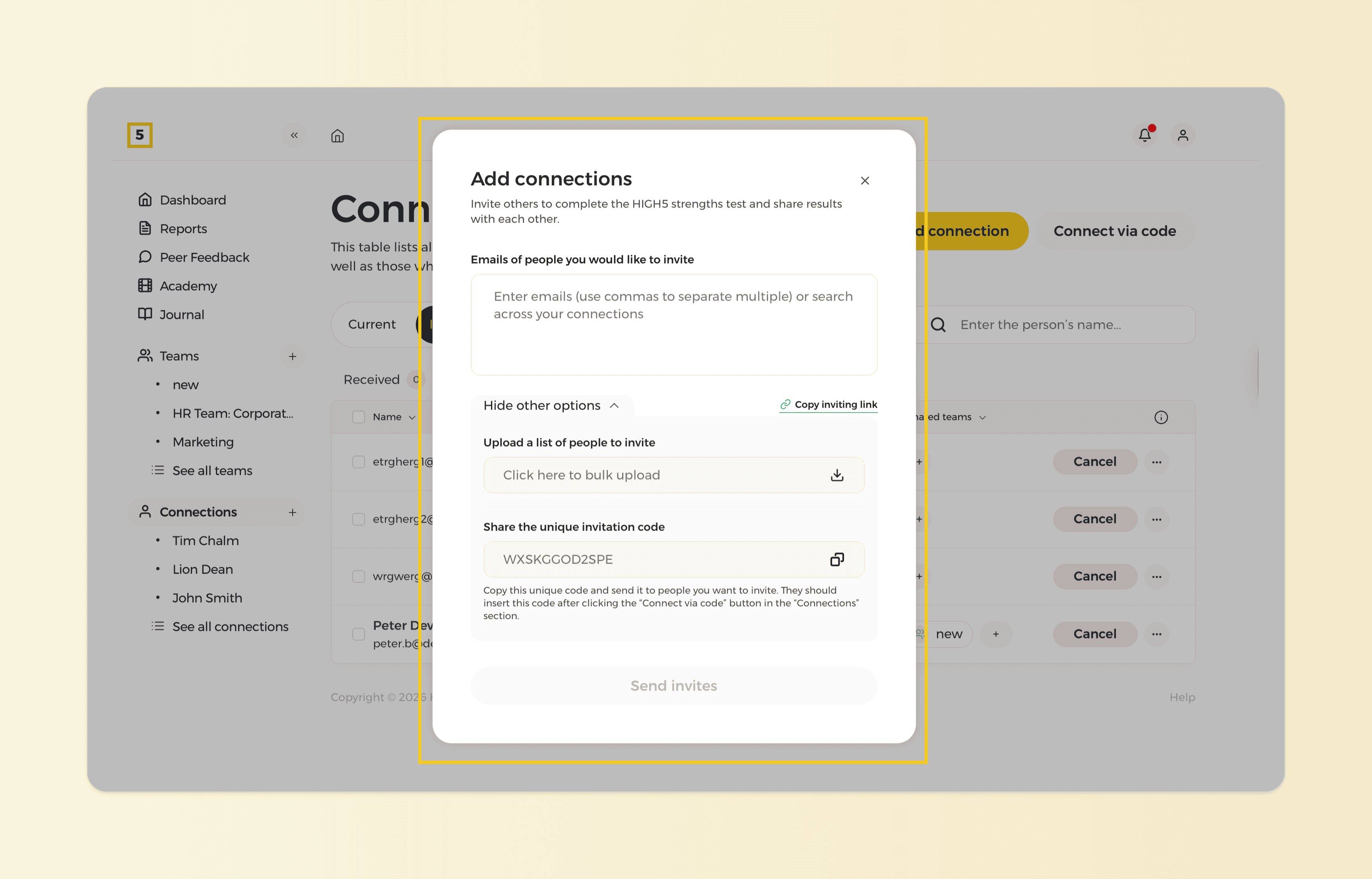
3. Choose the most optimal invite option
We offer three invite options you can share with your clients. To learn the difference between them, check out this article. Choose the most suitable option and share it with your friends!
Once your friend accepts your invitation, you will see them in your 'People' table. By clicking on their name, you will be able to see their results.