If you need to remind clients to complete the test on the HIGH5 platform, you can easily do so by following these simple steps:
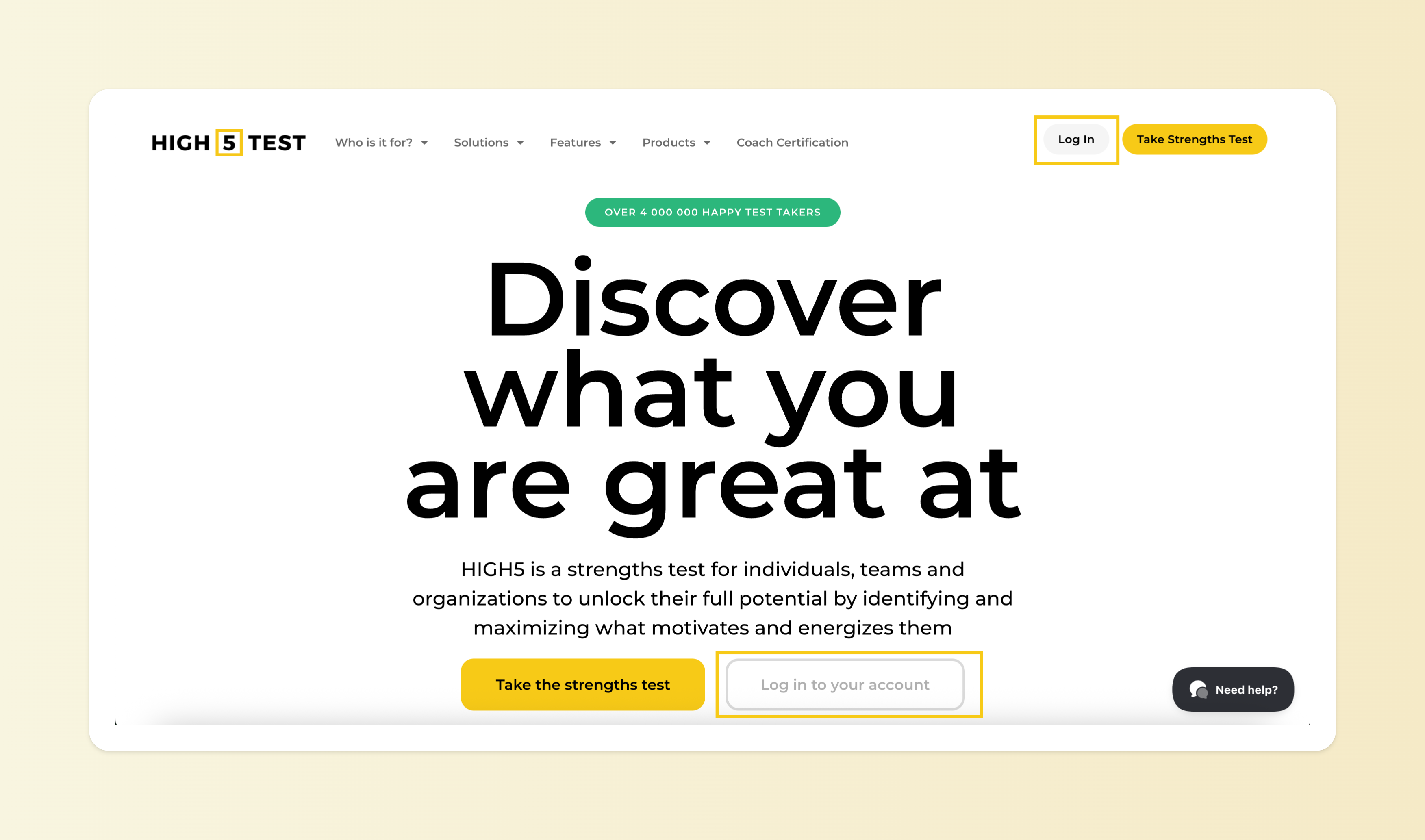
1. Navigate to your Personal Dashboard
Log in to your HIGH5 account and you will be directed straight to your personal dashboard.
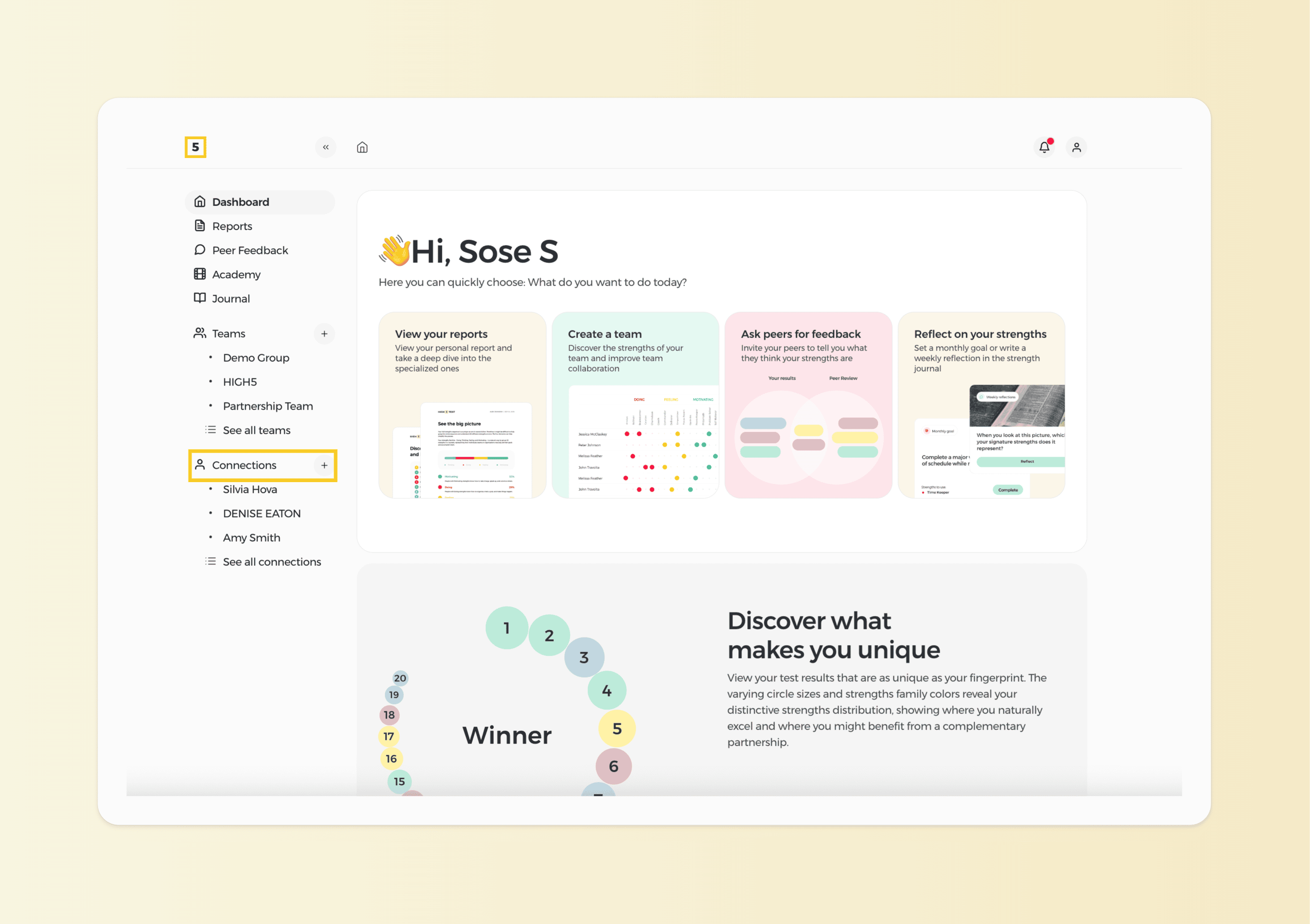
2. Access the "Connections" page
Once on your personal dashboard, locate and click on the "Connections" icon in the side menu. This page allows you to view and manage the users connected to your account.
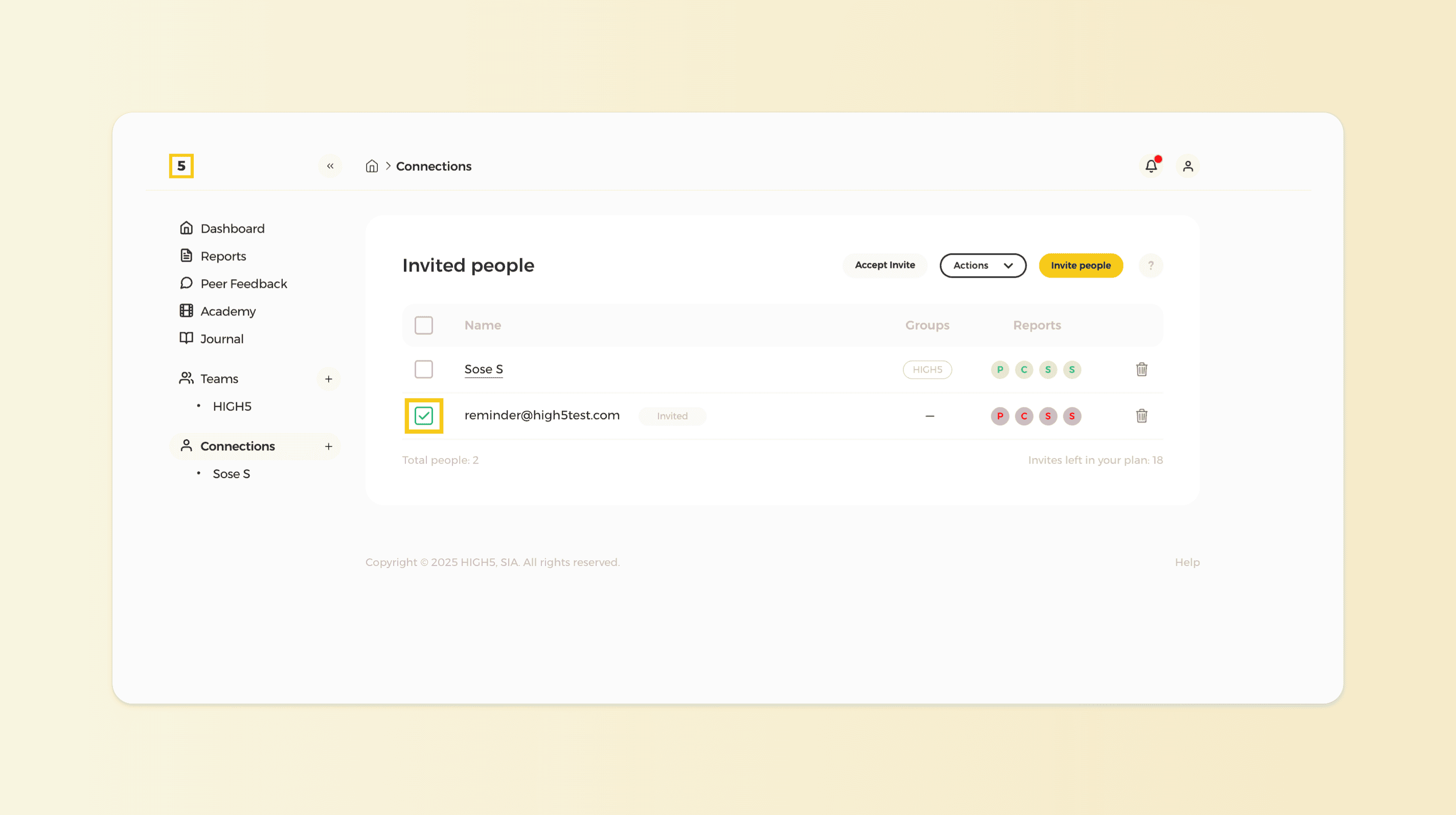
3. Select the User
From the list of users displayed in the People section, select the client or clients whom you need to remind to complete the test by clicking on their name or profile.
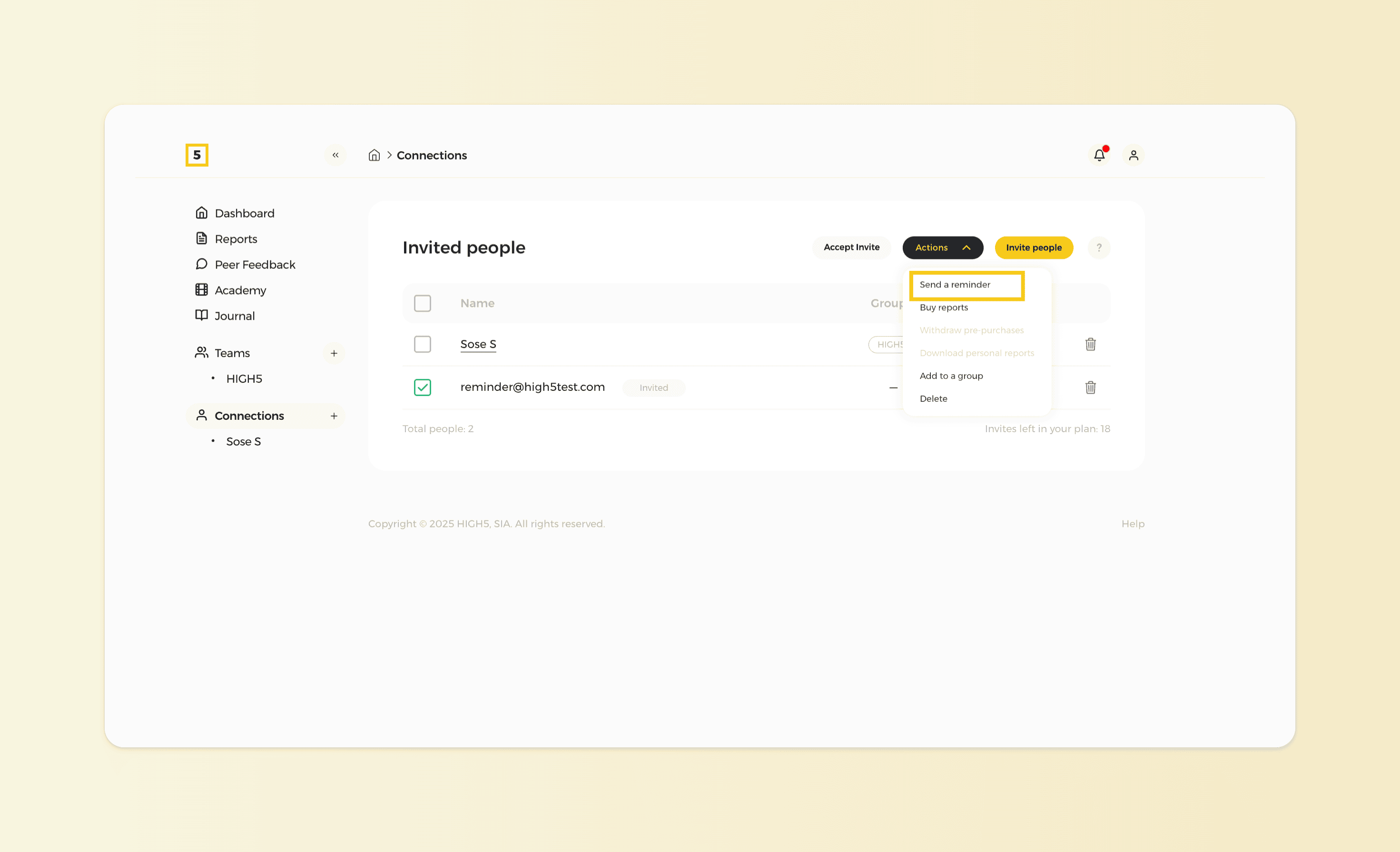
4. Send the Reminder
After selecting the user, look for the option to send a reminder. This option is located within the dropdown menu called "Actions". Confirm your action once you click "Send a reminder" and your client will receive an email notification to complete their test.