On the HIGH5 platform, we prioritize user accessibility, offering a seamless process for downloading your results. Depending on whether you have a full personal report or not, you may have different options for downloading your results. This article will guide you through two routes:
Route 1: downloading your report if you have a full personal report;
Route 2: downloading a report if you only have the free results.
Route 1: Download your Full Profile
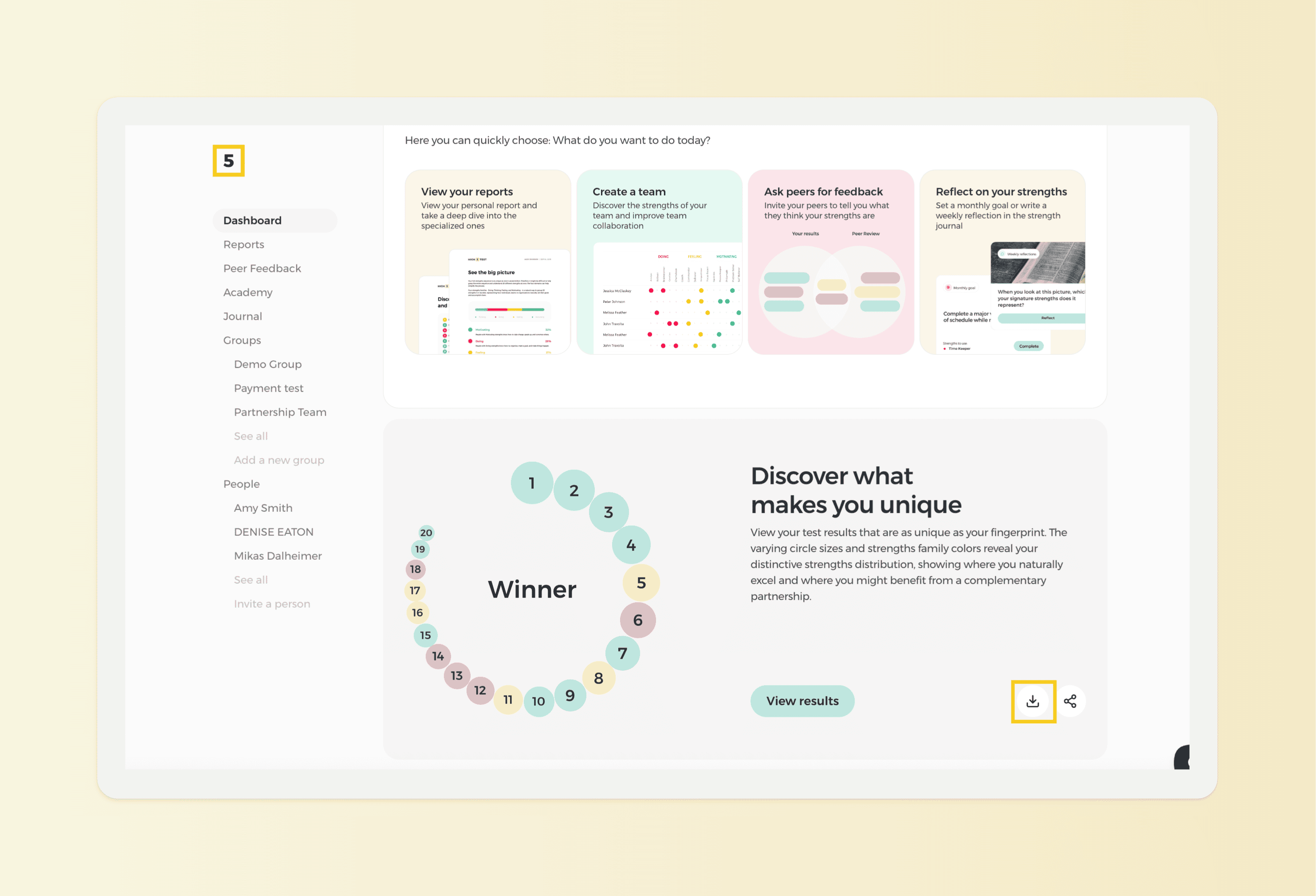
After unlocking the Full Personal Report, locate the arrow icon representing "Download" and click on it. Once the download is complete, your results will be saved to your device for future reference and analysis.
NOTE: If you are unsure of how to unlock your Full Personal Report click here for a step-by-step guide.
Route 2: Download your Strengths Certificate
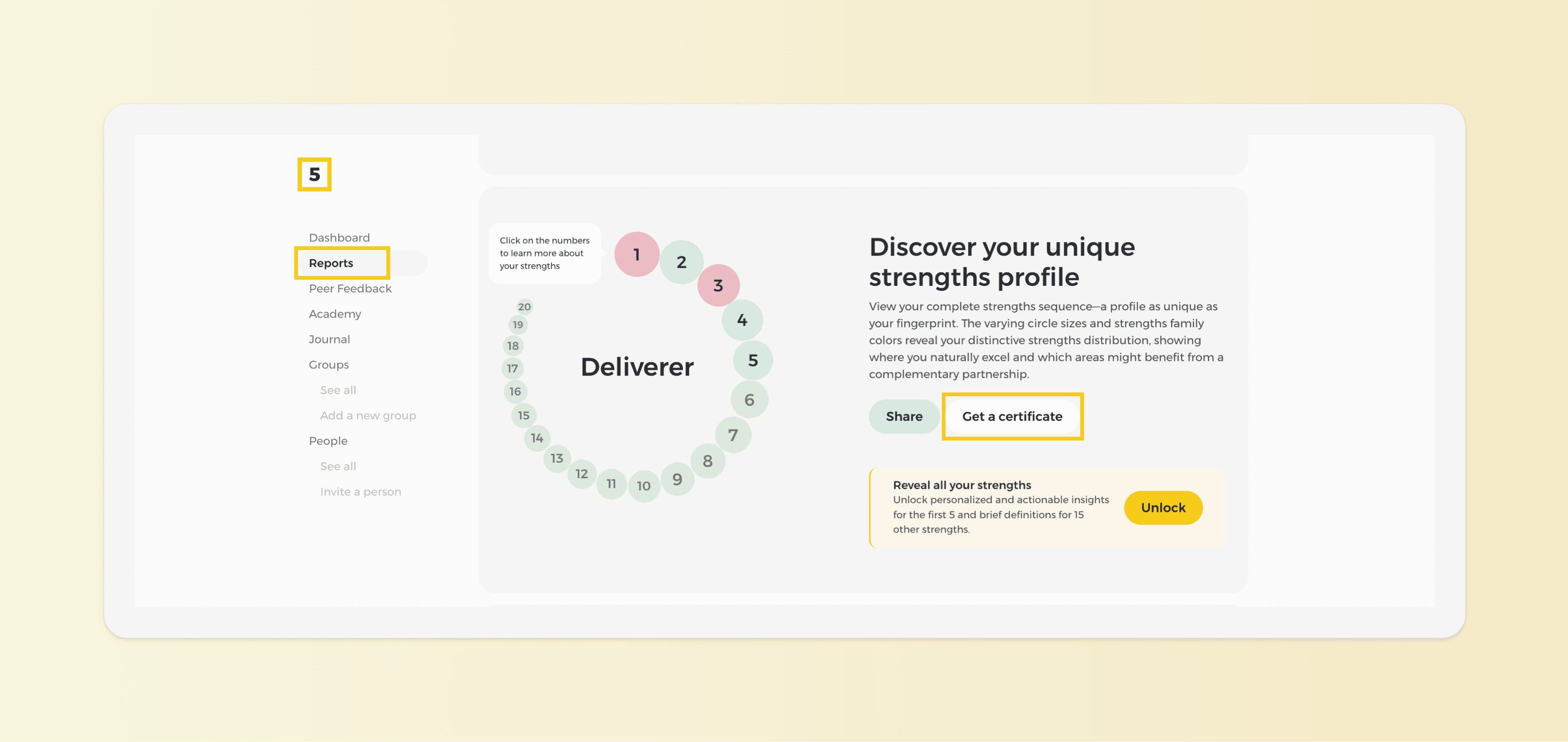
Access your strengths certificate from the "Reports" section of your Dashboard. Press on the "Get a Certificate" button to download a certificate about your signature strengths. Once the download is complete, your results will be saved to your device for future reference and analysis.