Yes, you can purchase reports for your coaching clients. However, before buying the reports, you first need to send them an invitation to connect on HIGH5. Not sure how to invite your clients to take the HIGH5 test and connect with them? Click here to learn the simple steps.
Once connected, you'll be able to purchase and access reports following these simple steps:
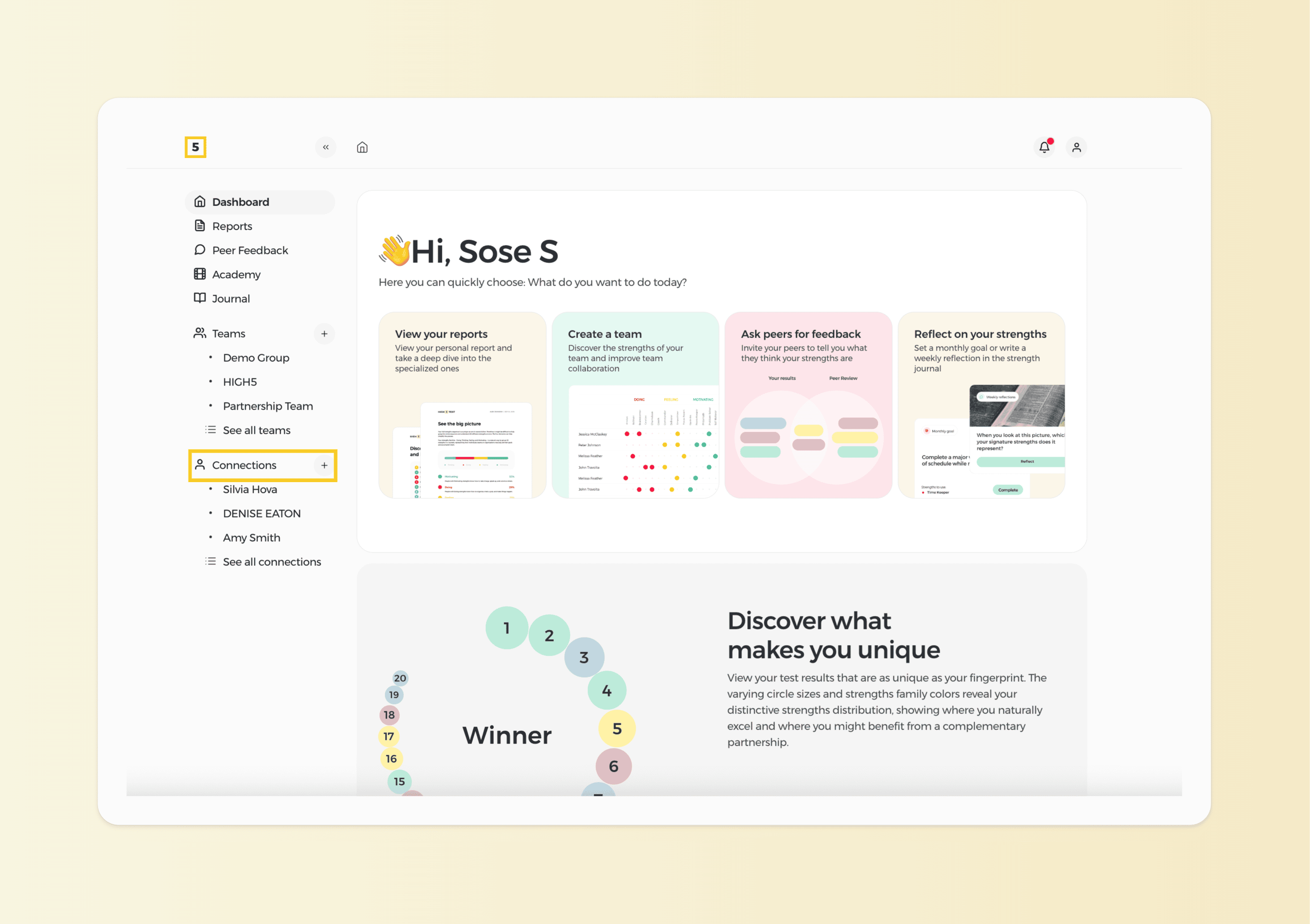
1. Head to the "Connections" section of your dashboard
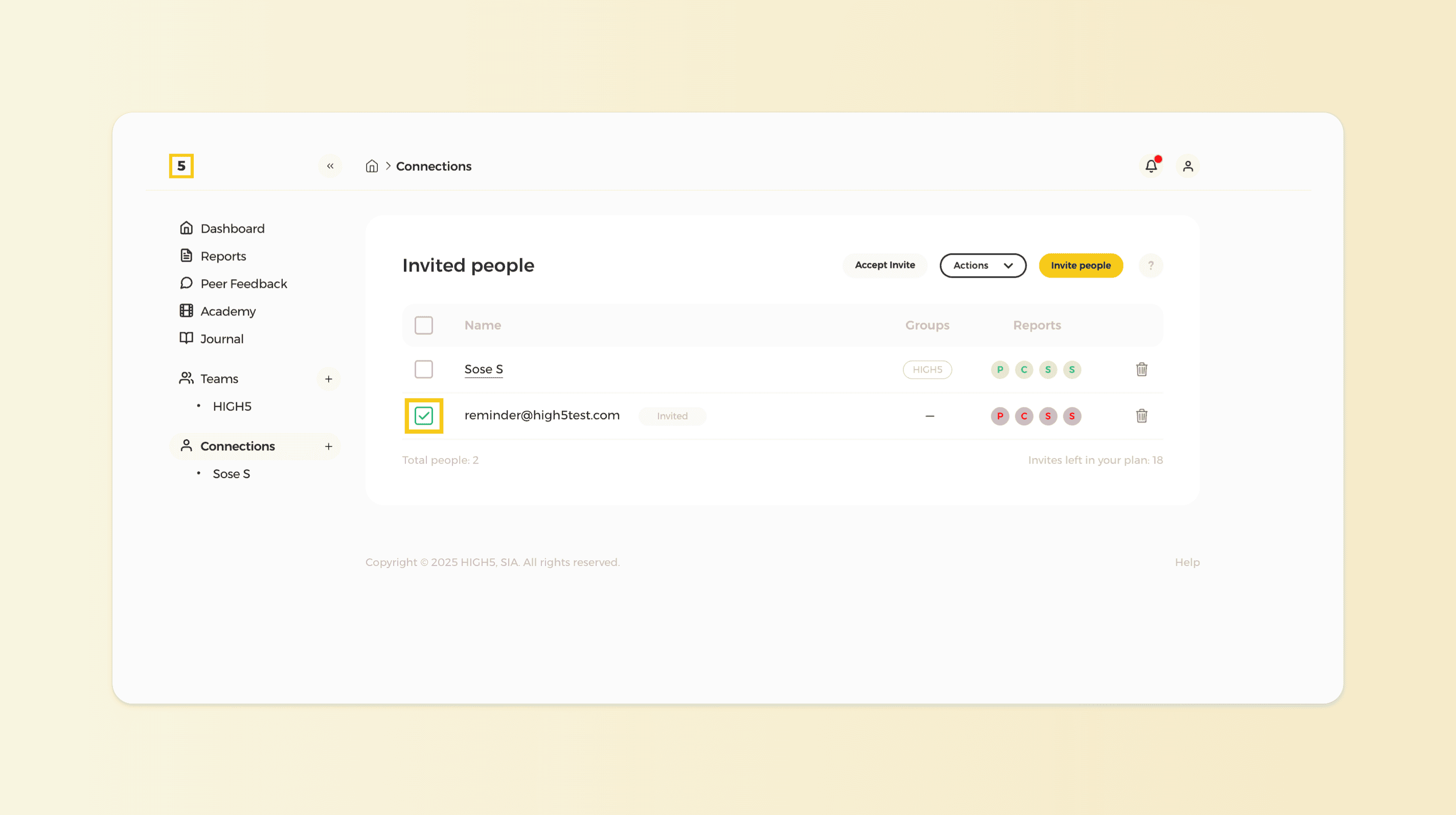
2. Choose the client you need to purchase a report for
Once decided on which client you need to purchase a report for click on the square box next to their name.
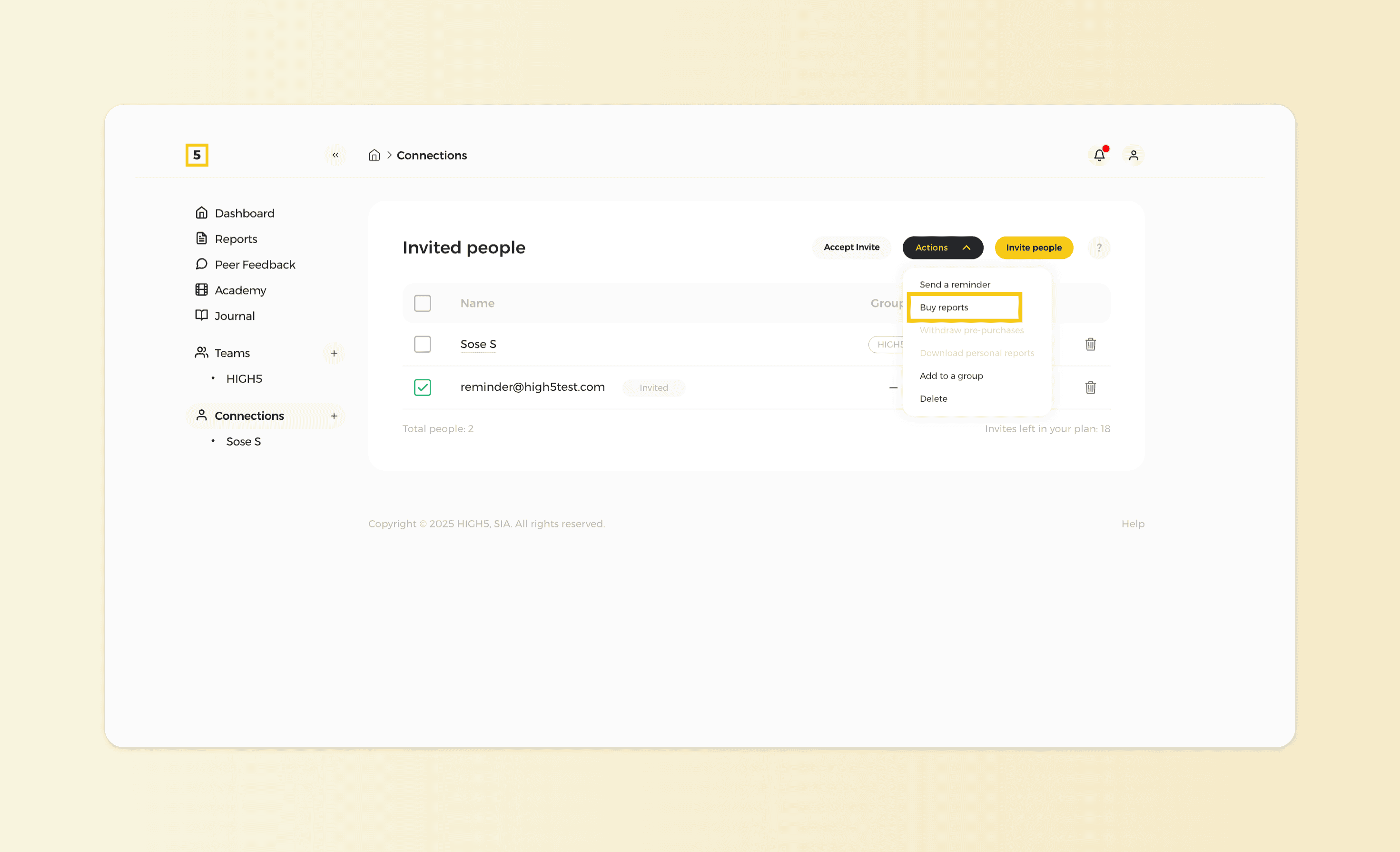
3. Click on the "Actions" button and buy the reports
At the top of the "People" list, find and click on the "Actions" button to reveal a dropdown menu with various action options. From the menu, select the "Buy reports" option.
4. Choose the needed report
Select the required report from the pop-up menu; we are opting for a personal report in this case.
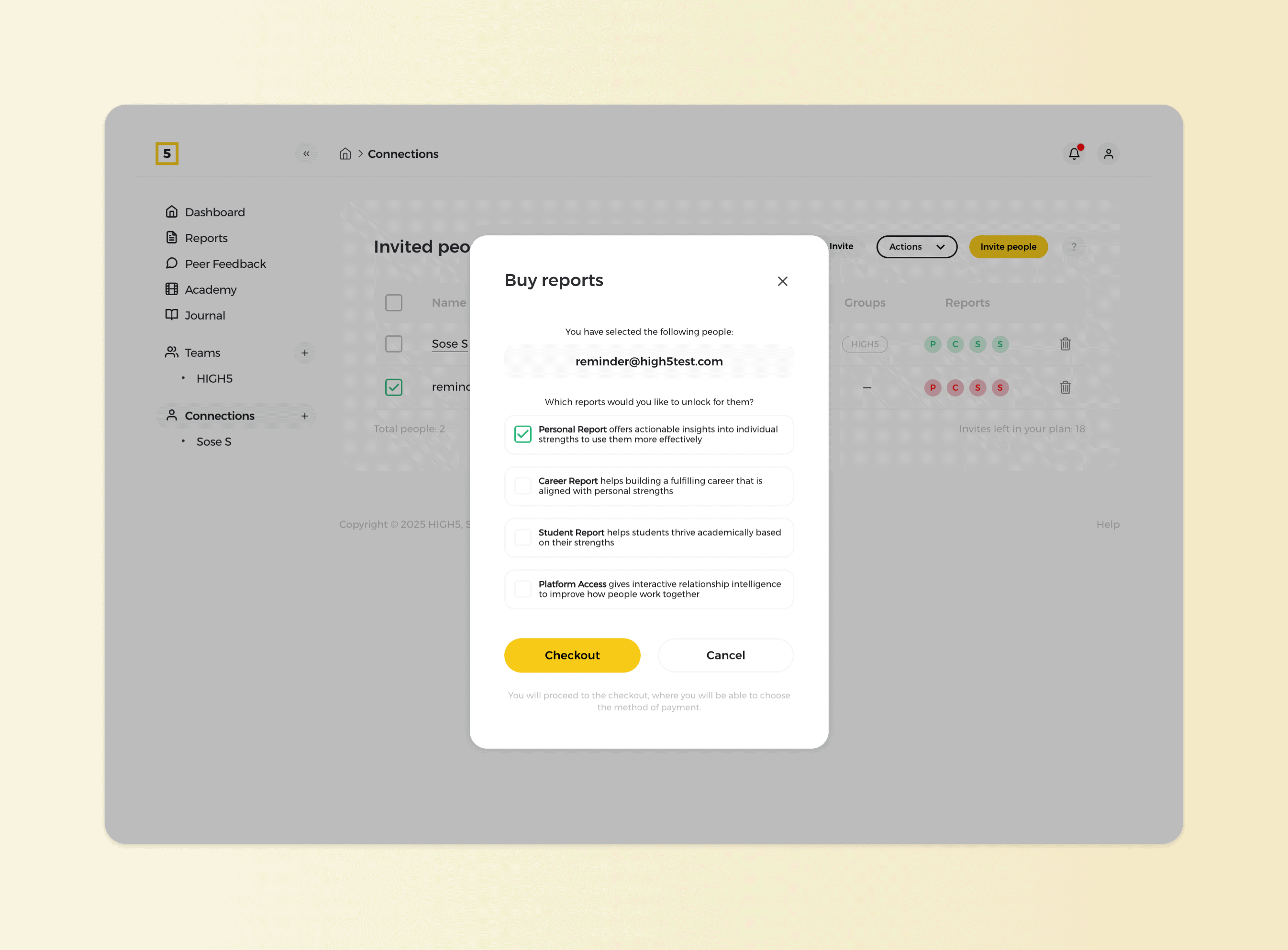
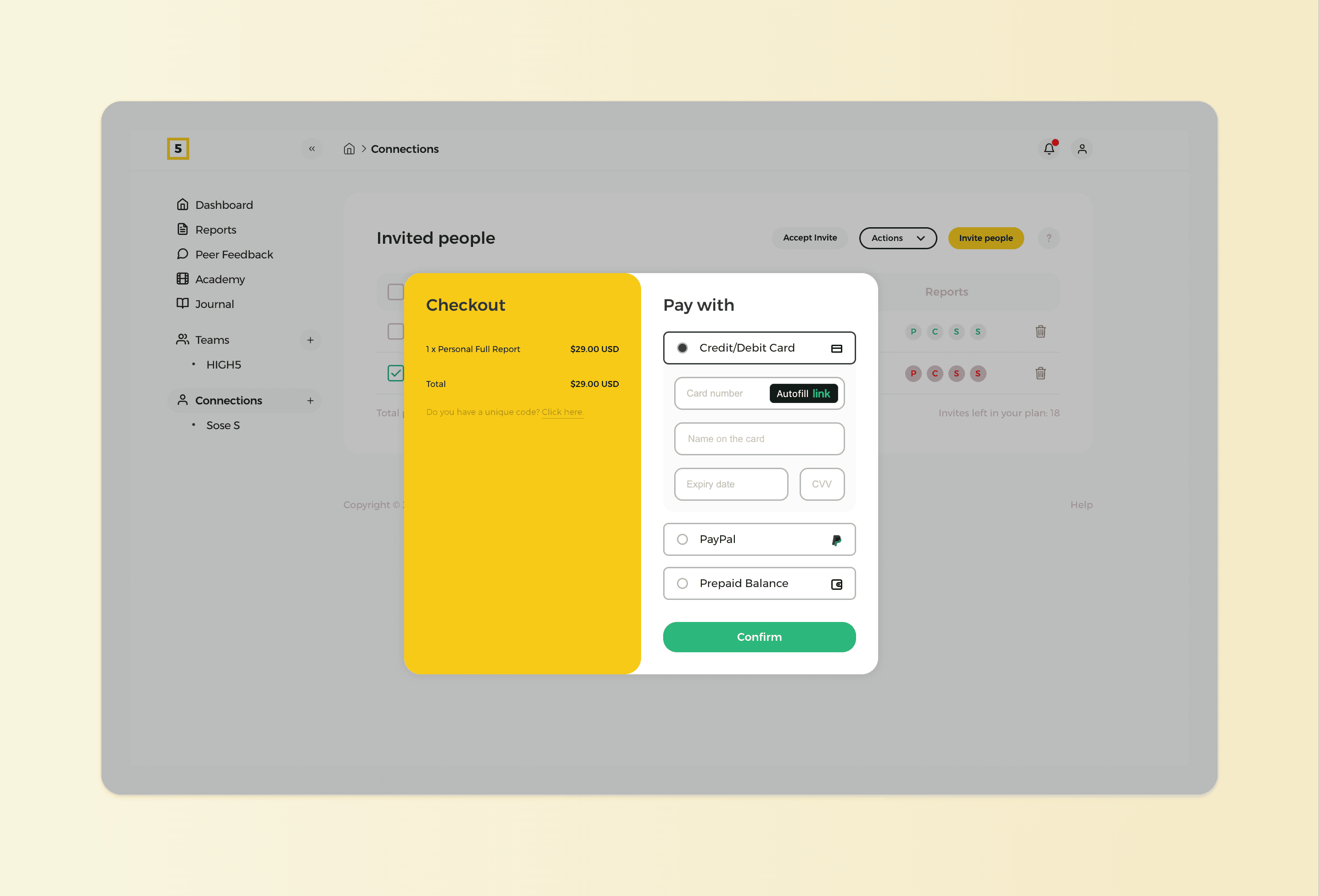
5. Proceed with payment
Once you are set on what you need to purchase proceed with the checkout. You can use a credit card or PayPal to make the payment. The report will be unlocked the second the payment is complete.