
To invite multiple people at once, you can either enter their email addresses one after another in the invitation field, making sure to leave a space between each address, or use the Other Options button and look for the upload sign, which is specifically designed for bulk invitations and makes it easier to invite larger groups or entire teams.
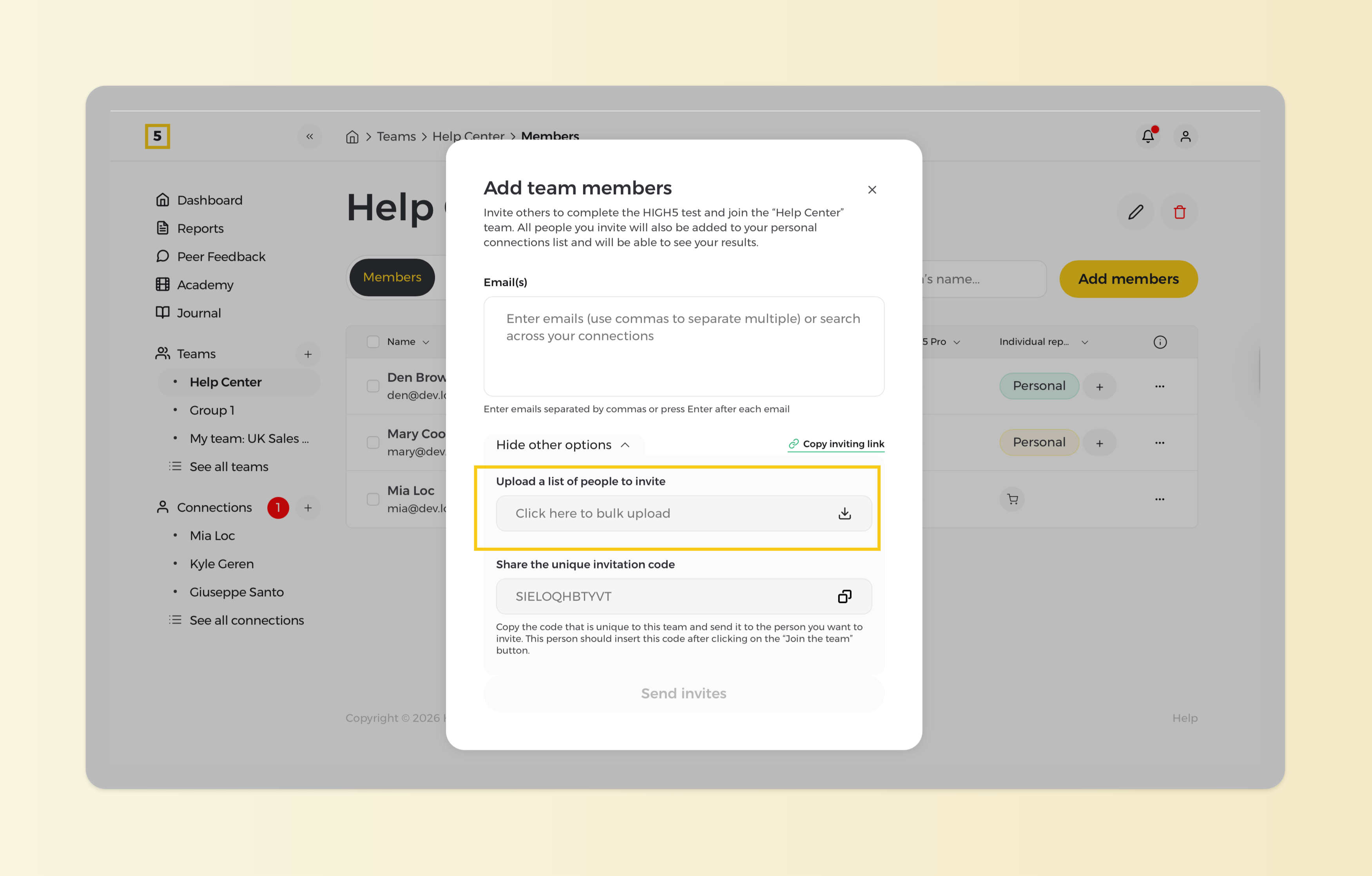
With this method, you first download a special CSV file from the platform. Enter the required details (such as email addresses) into the file, then upload the completed CSV back into HIGH5. Once uploaded, our system automatically recognizes the email addresses and sends the assessment invitations to your team members.
This is the most efficient way to invite many people at once and keep your team setup clean and organized.