
Understanding the strengths of your team members is crucial for creating a supportive and collaborative work environment. By viewing their test results, you can celebrate their strengths, identify areas for growth, and ensure that each team member's strengths are utilized effectively.
NOTE: You cannot view the Full Strengths Profile of a person if it is not purchased.
Here's how you can view the test results of your team members:
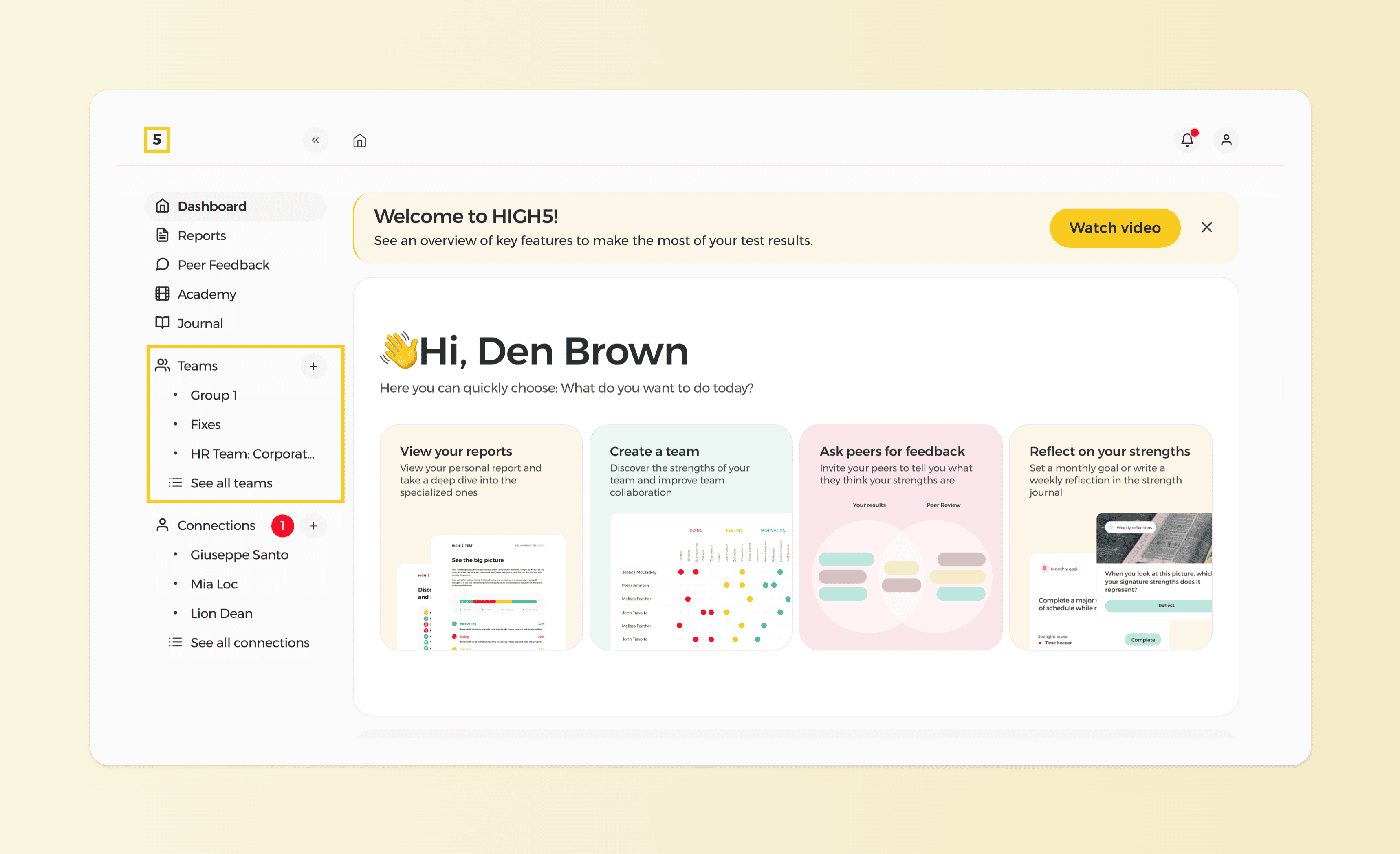
1. Access Your "Groups" from your personal Dashboard
Log in to your HIGH5 account and navigate to the "Groups" section of your dashboard, located on the left side of the screen.
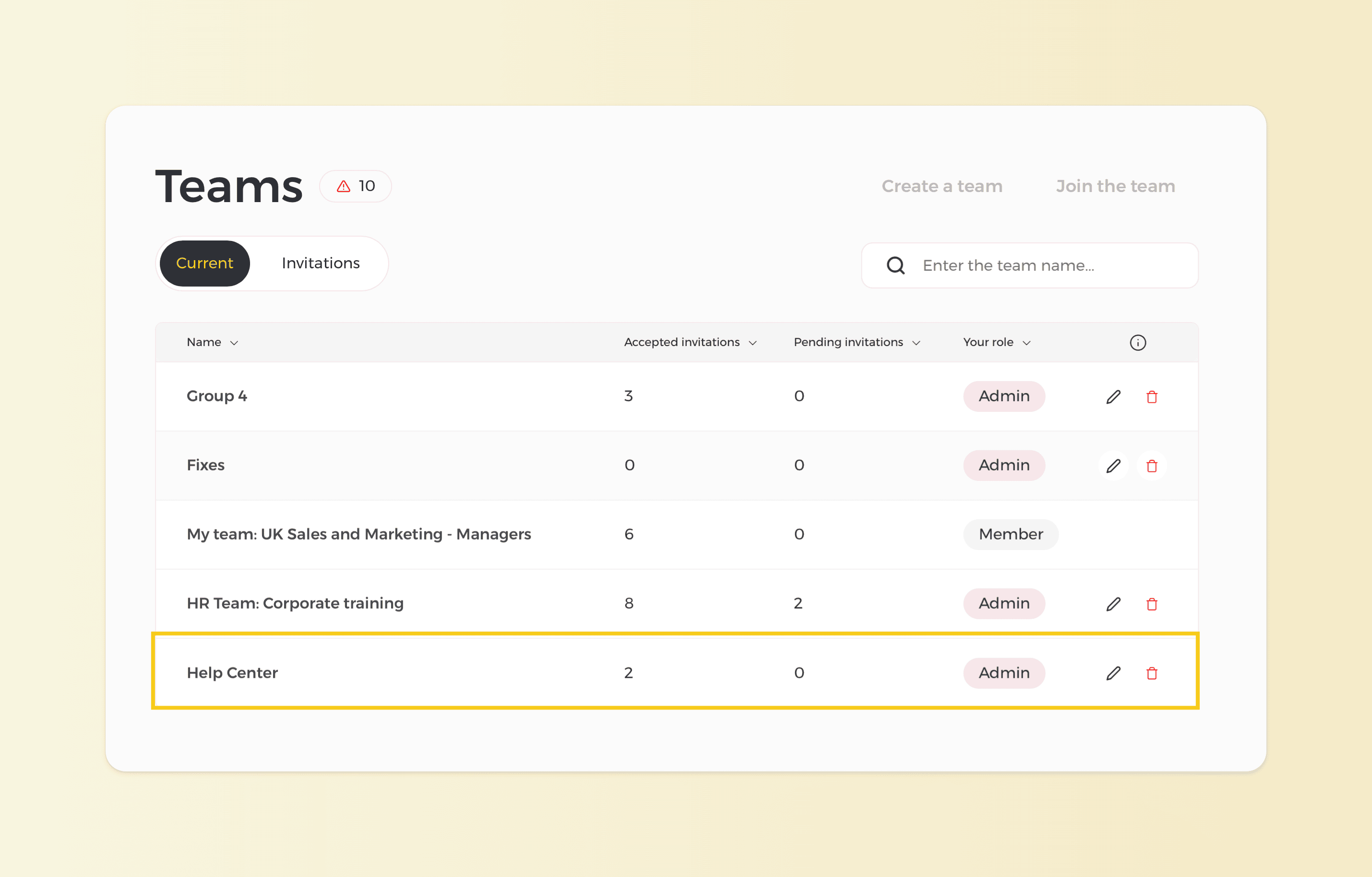
2. Select the Group
Choose the group where the teammate whose results you wish to see is in.
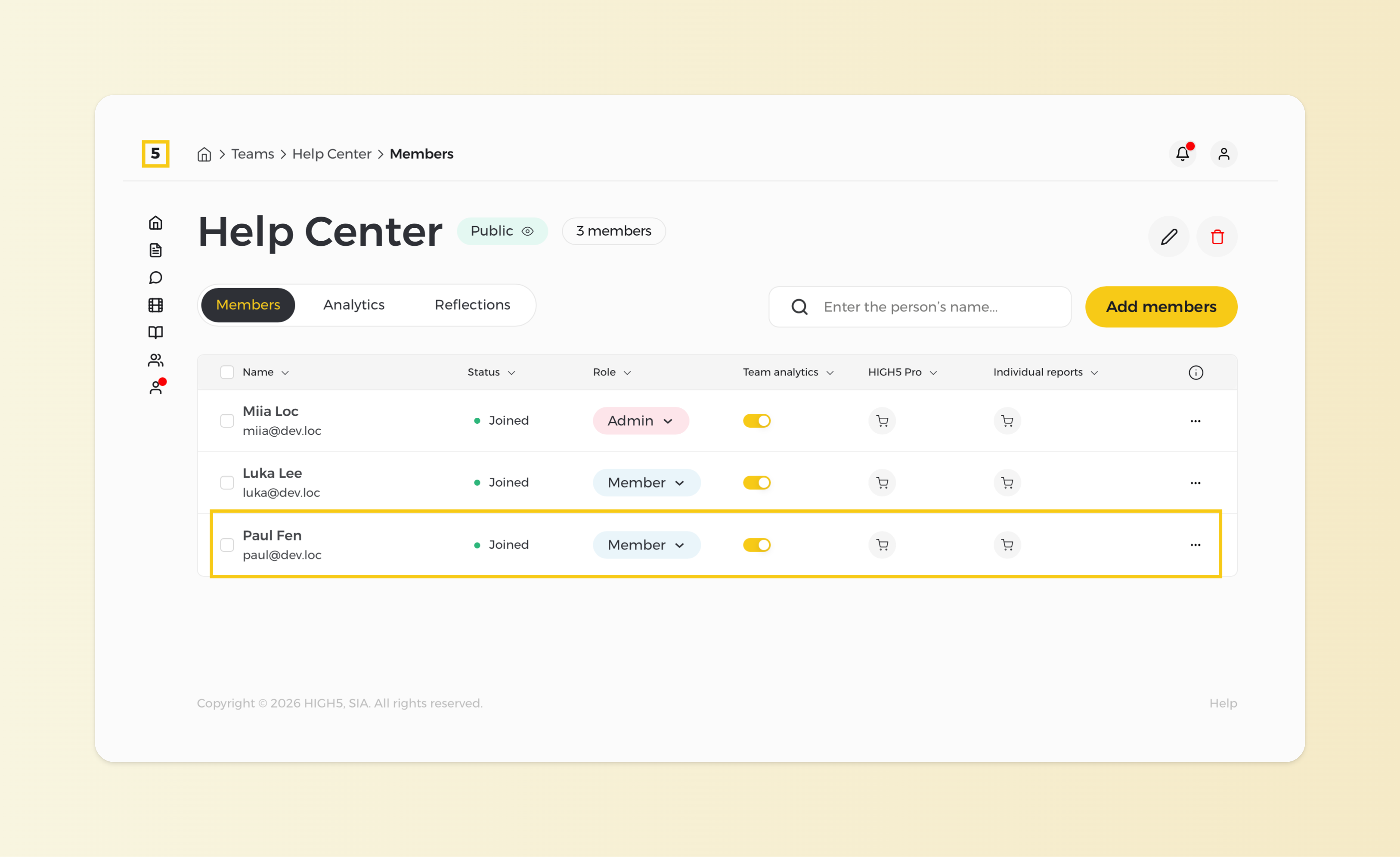
3. Find that teammate
From the "Members" page of a given team identify the person you wish to see the report of and click on their name.
4. Access your teammate's results
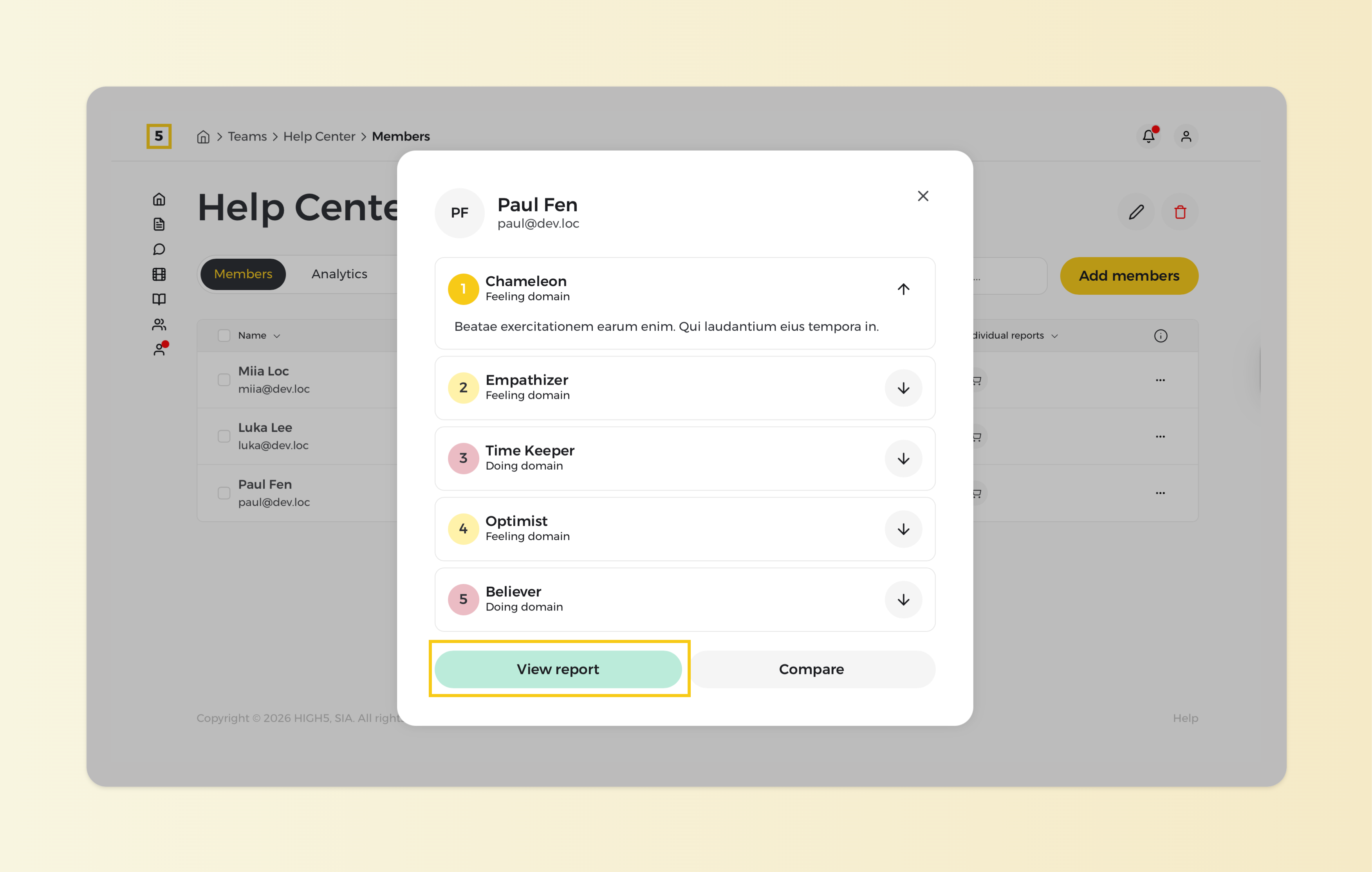
NOTE: If you have Full Platform Access activated for your profile, you will get to see insights on how your strengths and dynamics work with a certain person. To familiarize yourself with the Working Together Report, please click here.