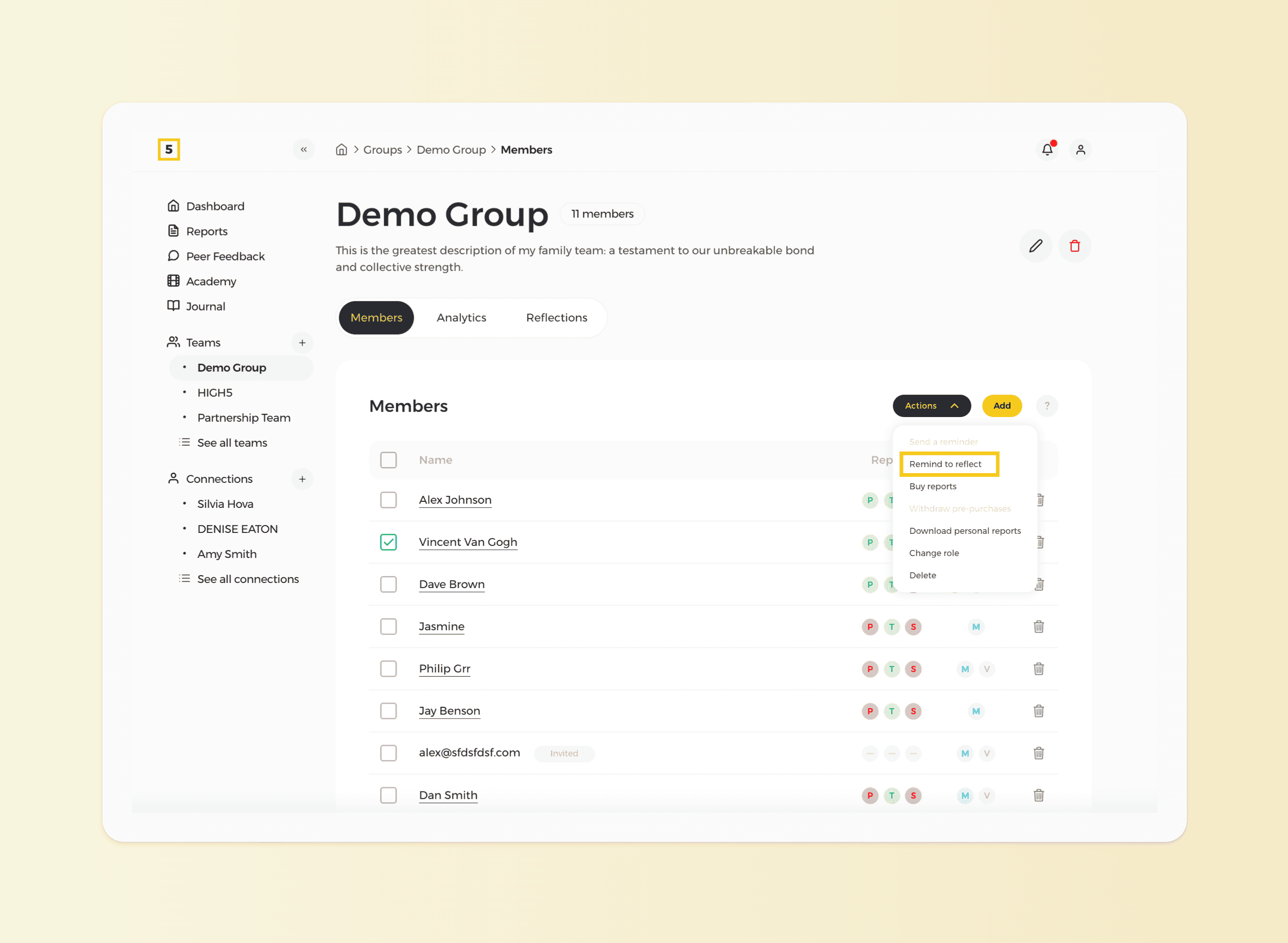
Ensuring consistency in team reflections is essential for maintaining productivity and alignment. As a manager, you can facilitate this process by sending reminders to team members to complete their reflections. Here's a step-by-step guide on how to do it:
Please note that only the team members who have Full Platform Access have access to the reflections tab; therefore, for other users, this function would not work.
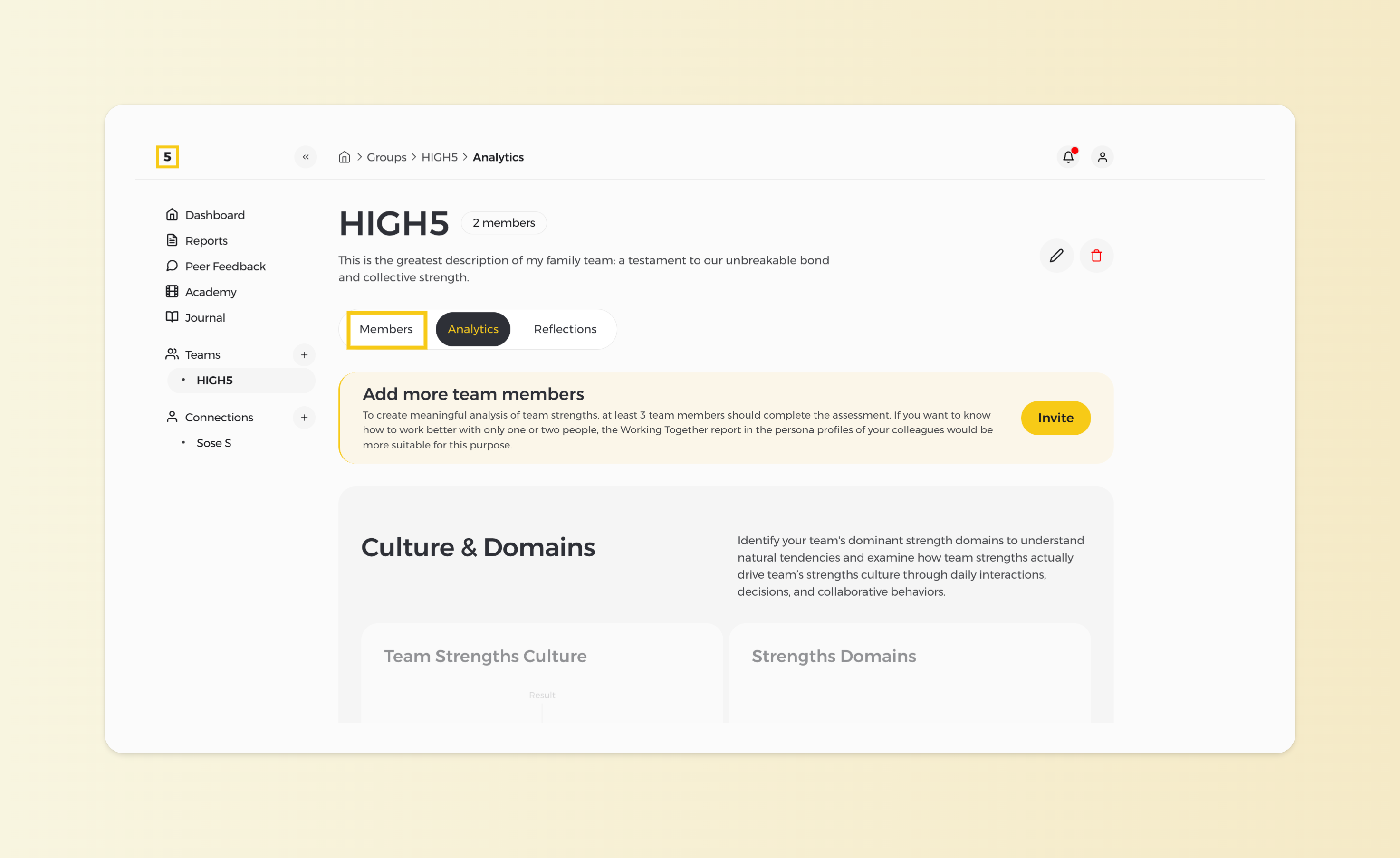
1. Head to the "Members" section of your team
To start, navigate to the "Members" section of the team you wish to remind about the reflections.
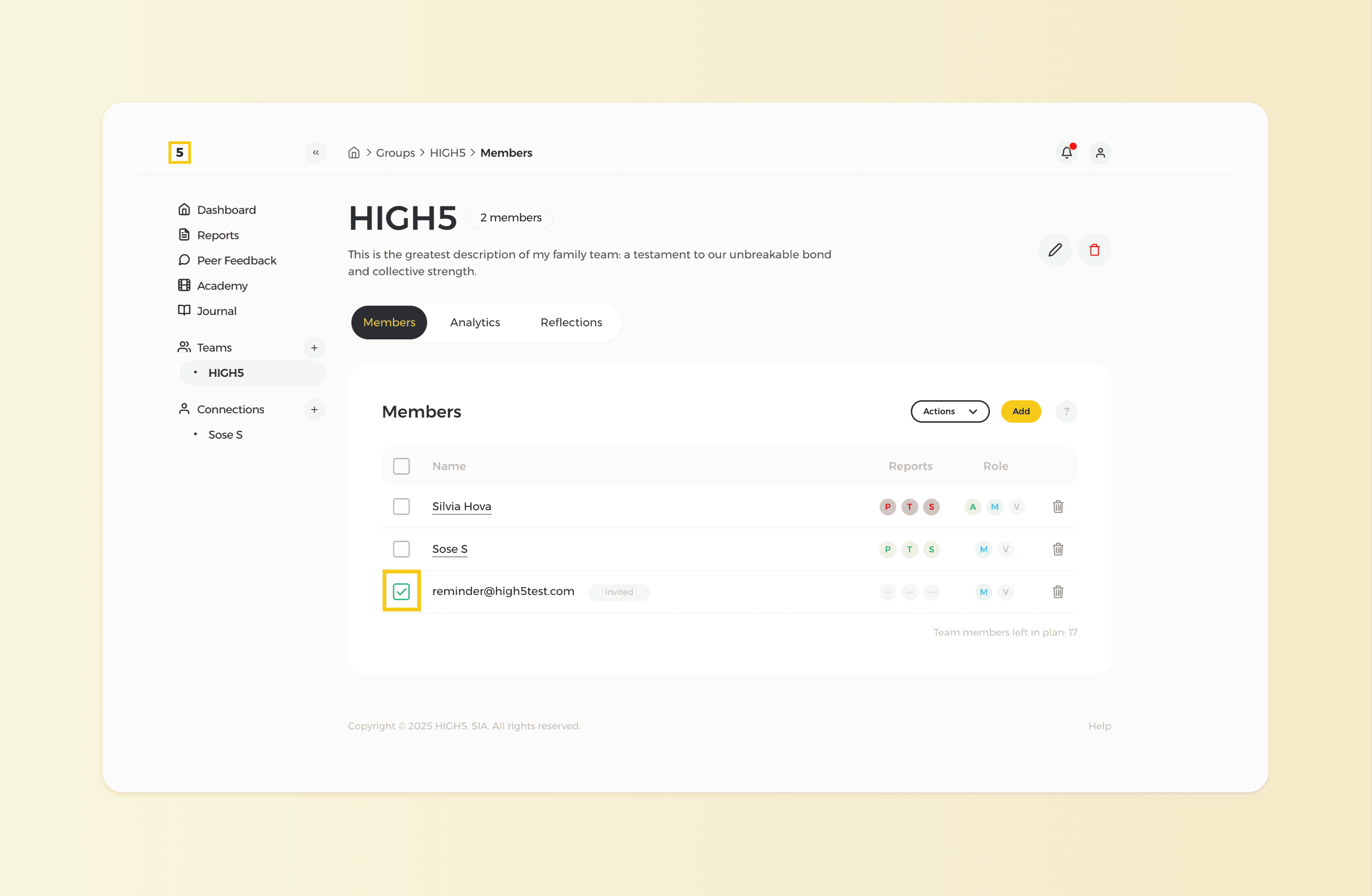
2. Choose the member you wish to remind
Click on the square box located on the left side of the name.
3. Send them the reminder
In the Actions dropdown, select 'Remind to reflect' to send your teammates reminders to fill in their monthly reflections on the platform.